Student Creations
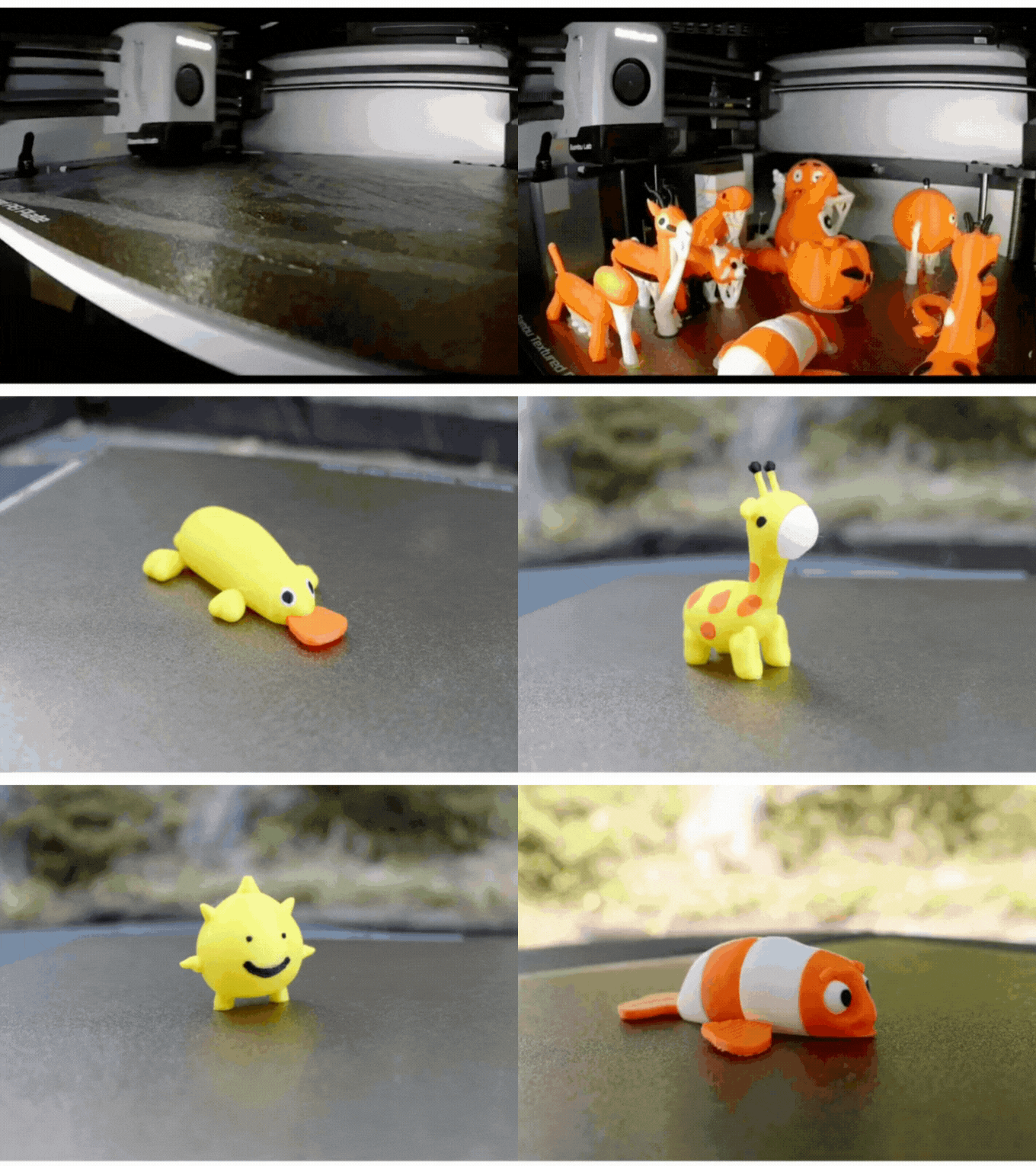
What students made
Real toys designed and printed by kids just like yours.
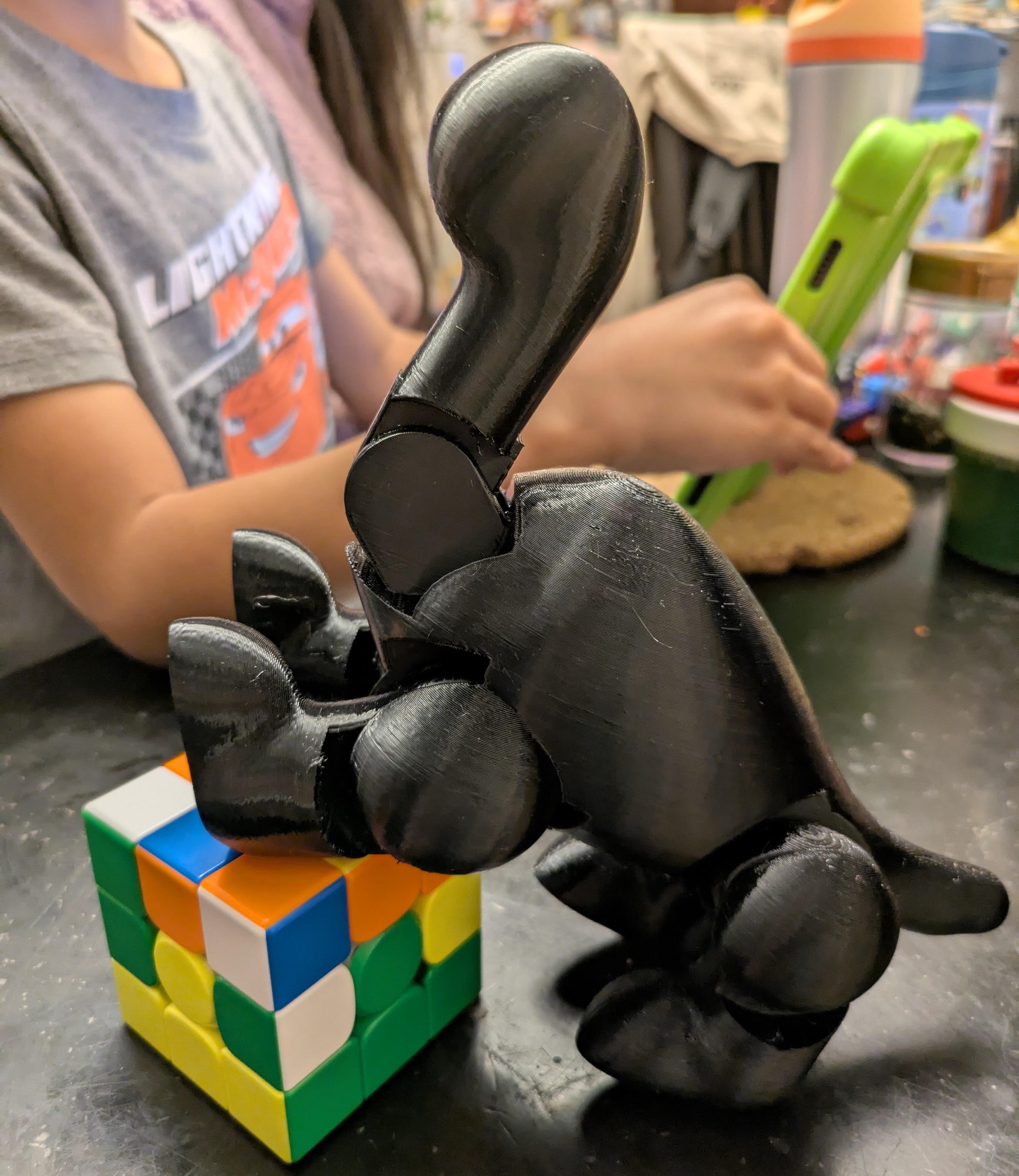
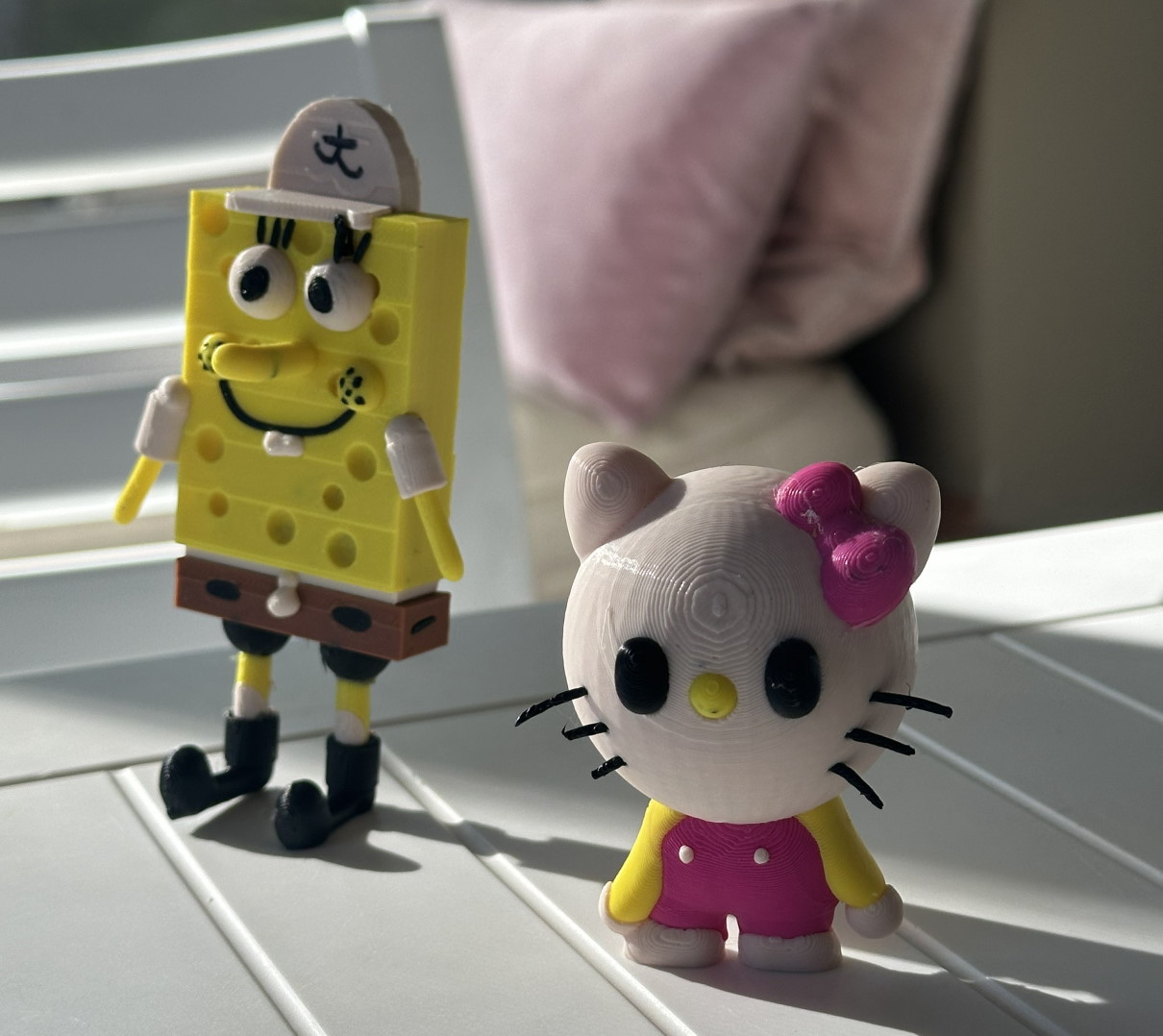
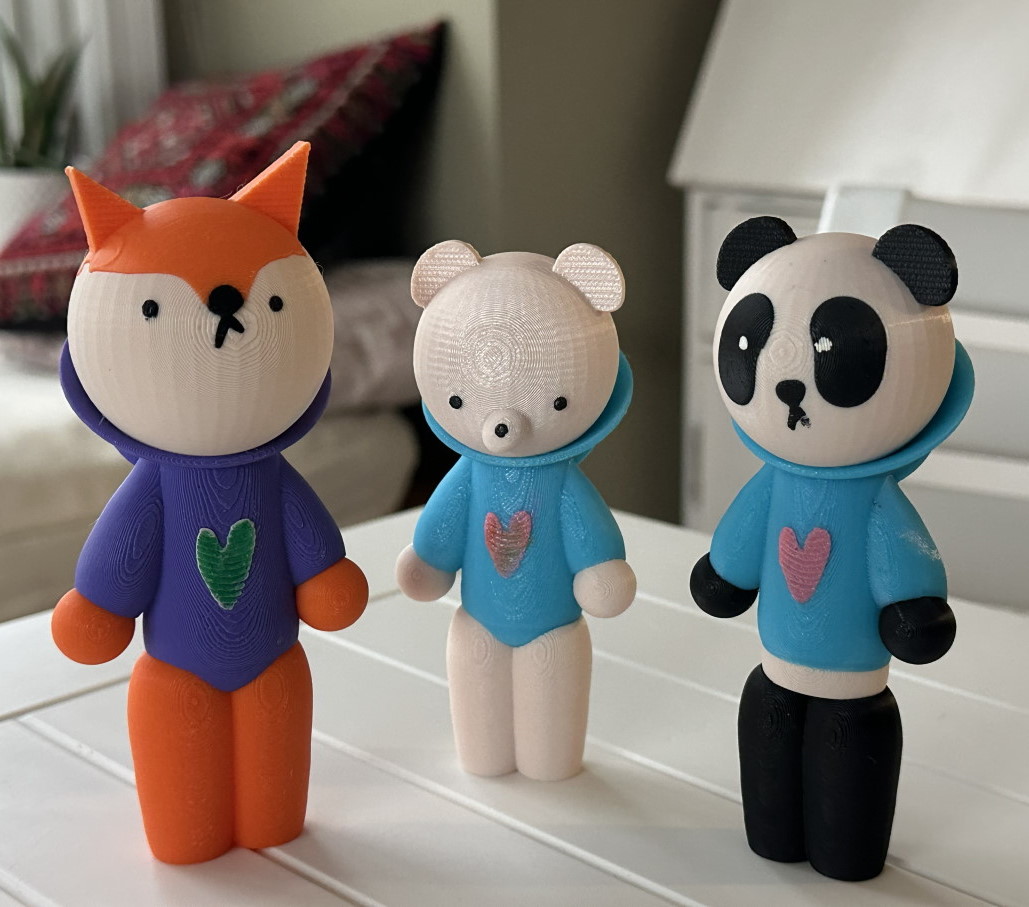
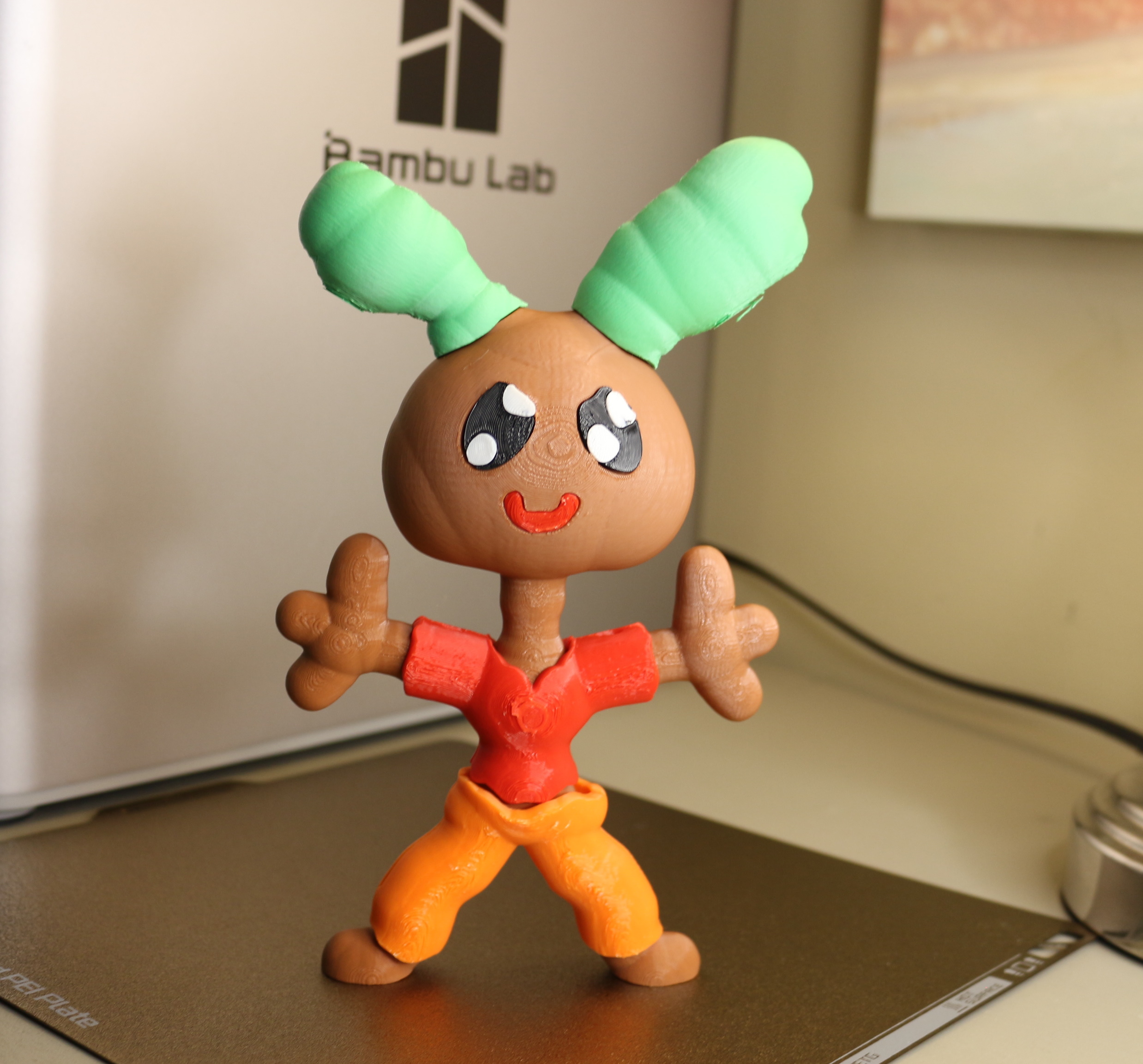
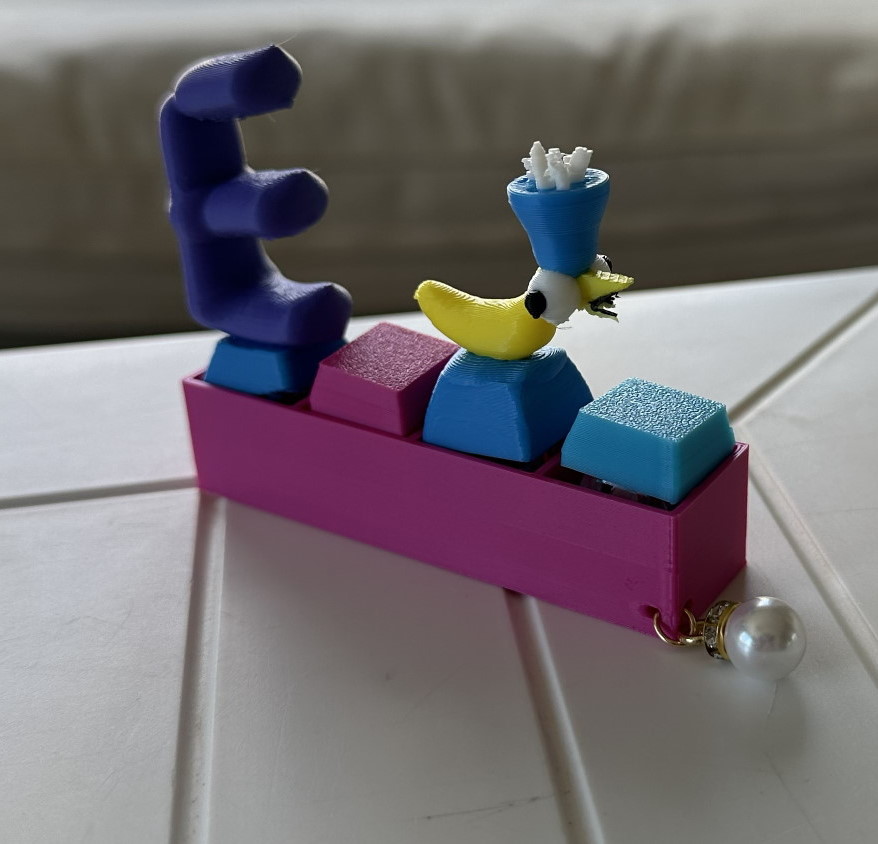
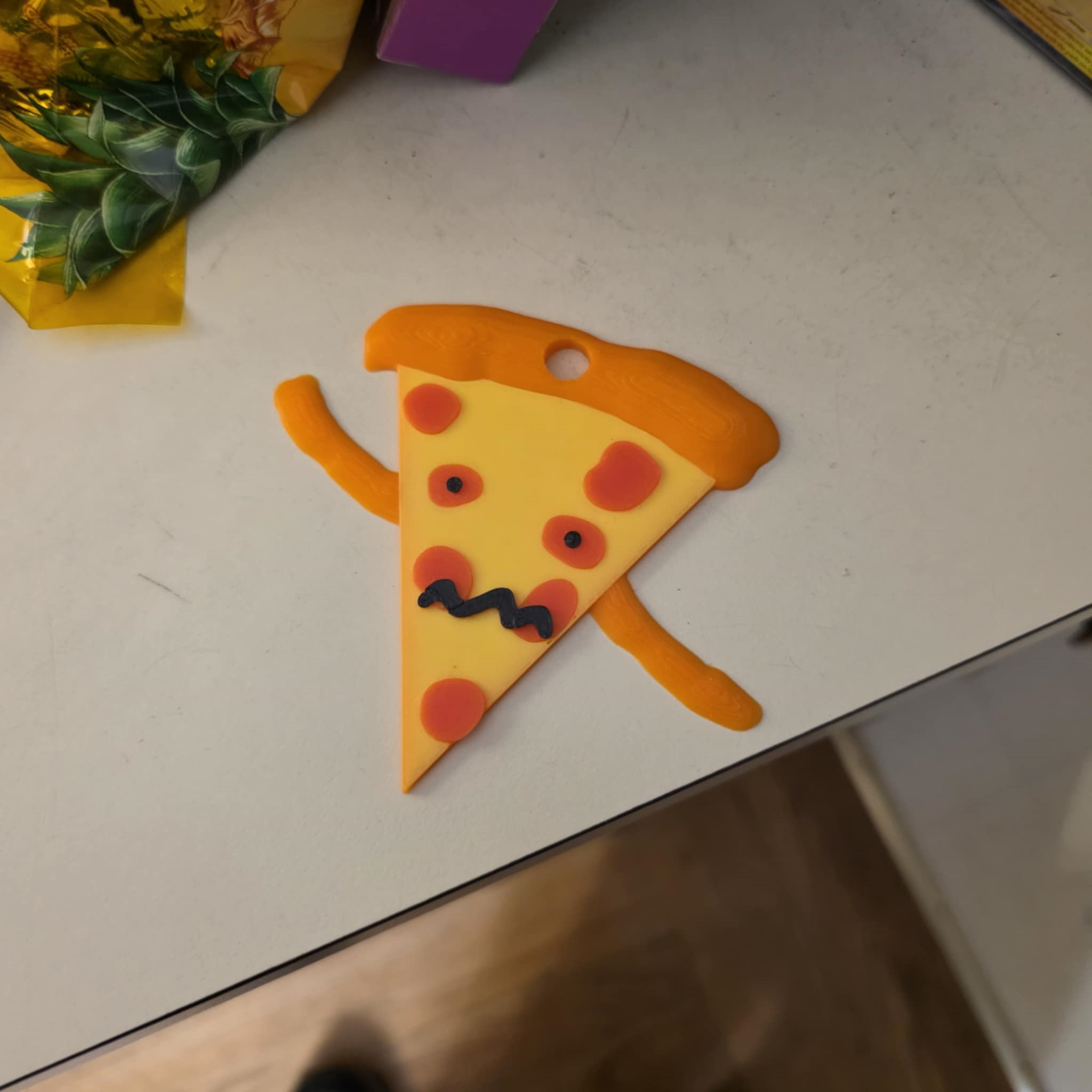
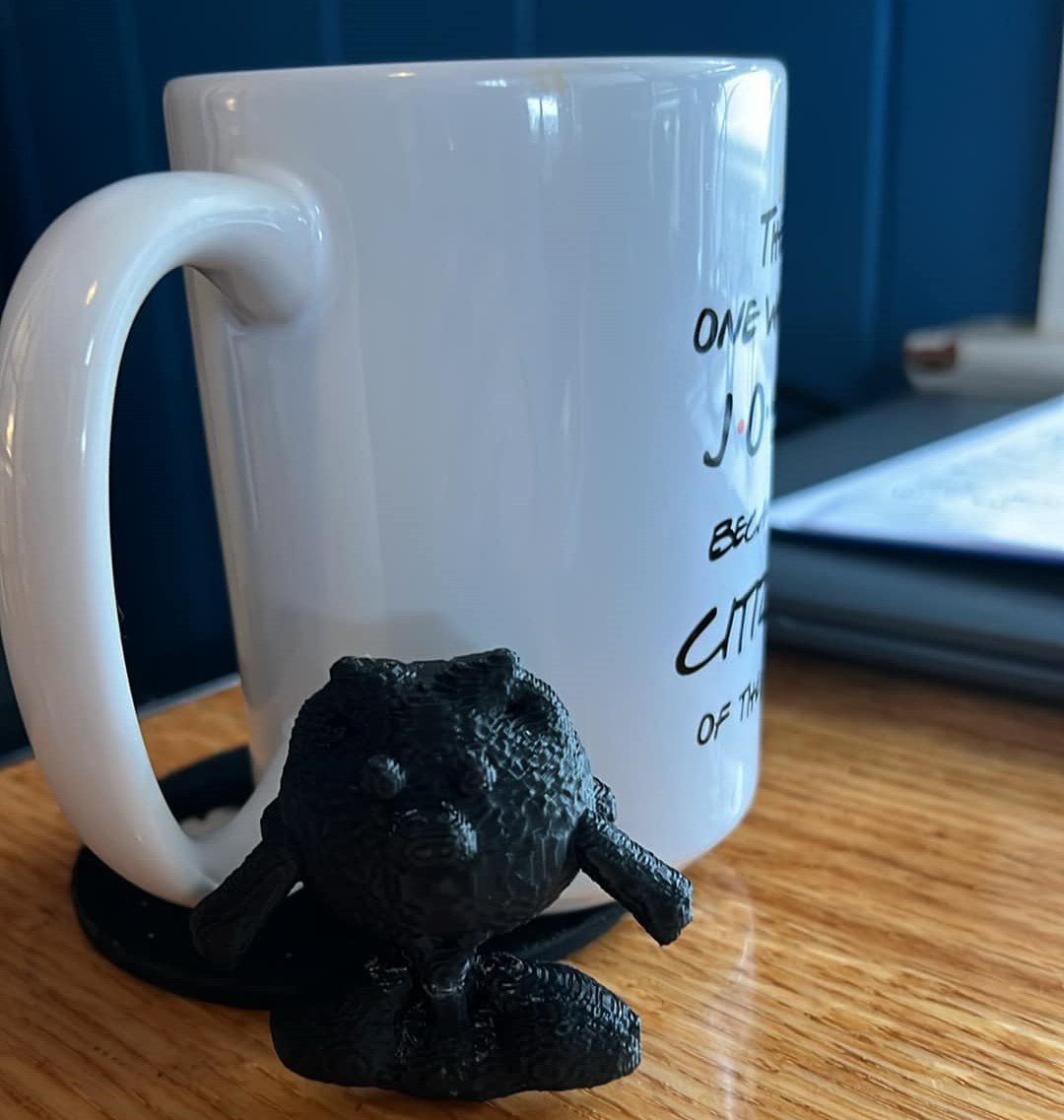
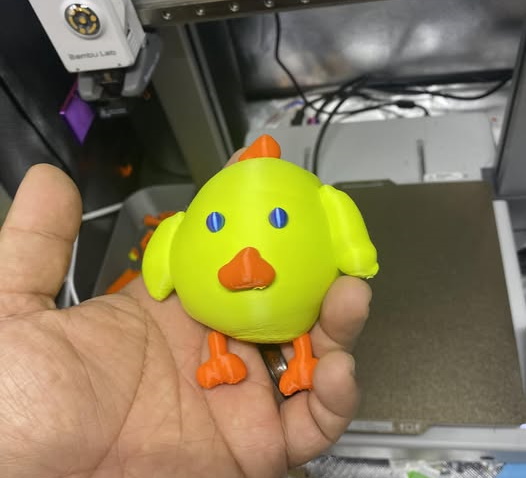
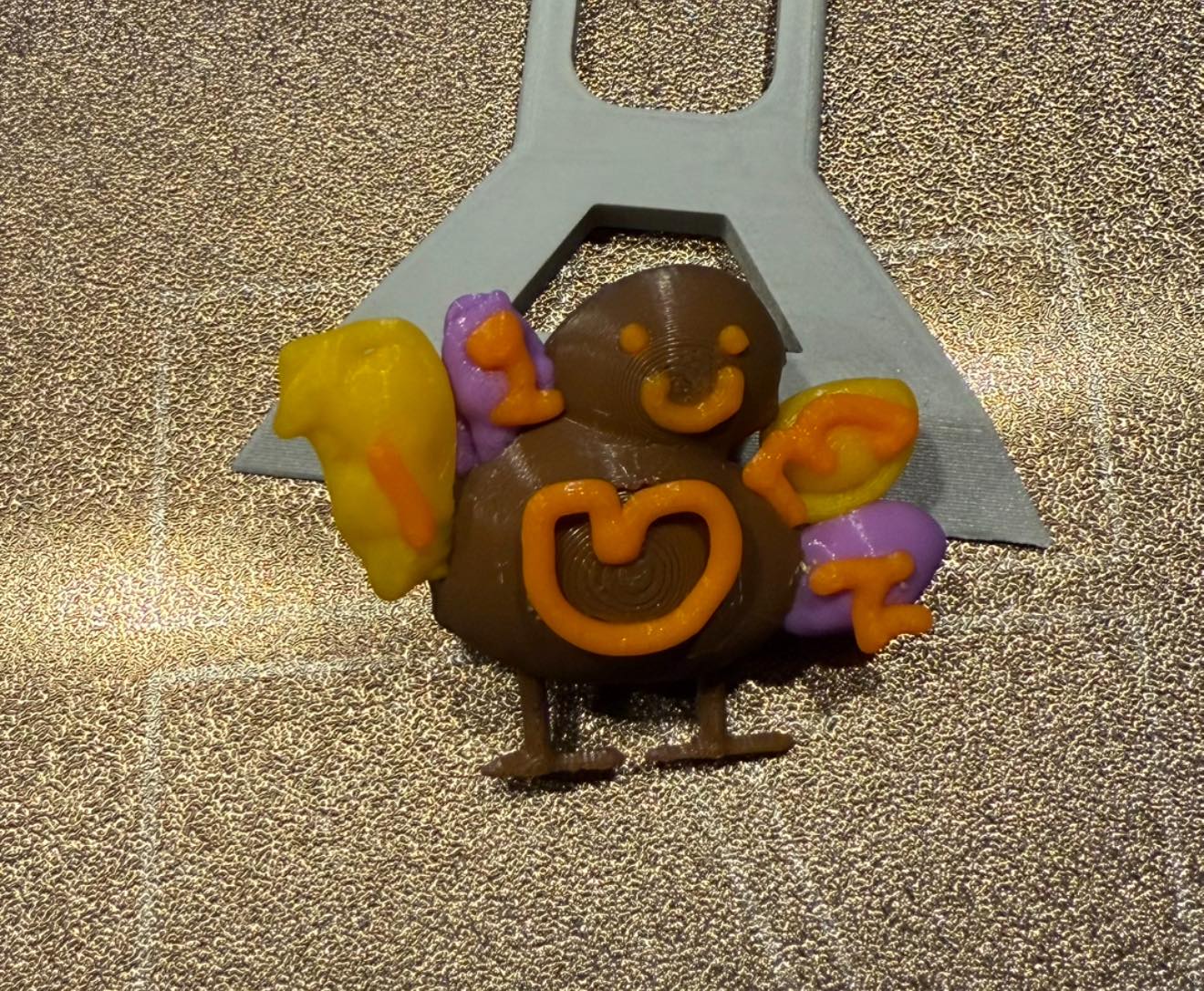
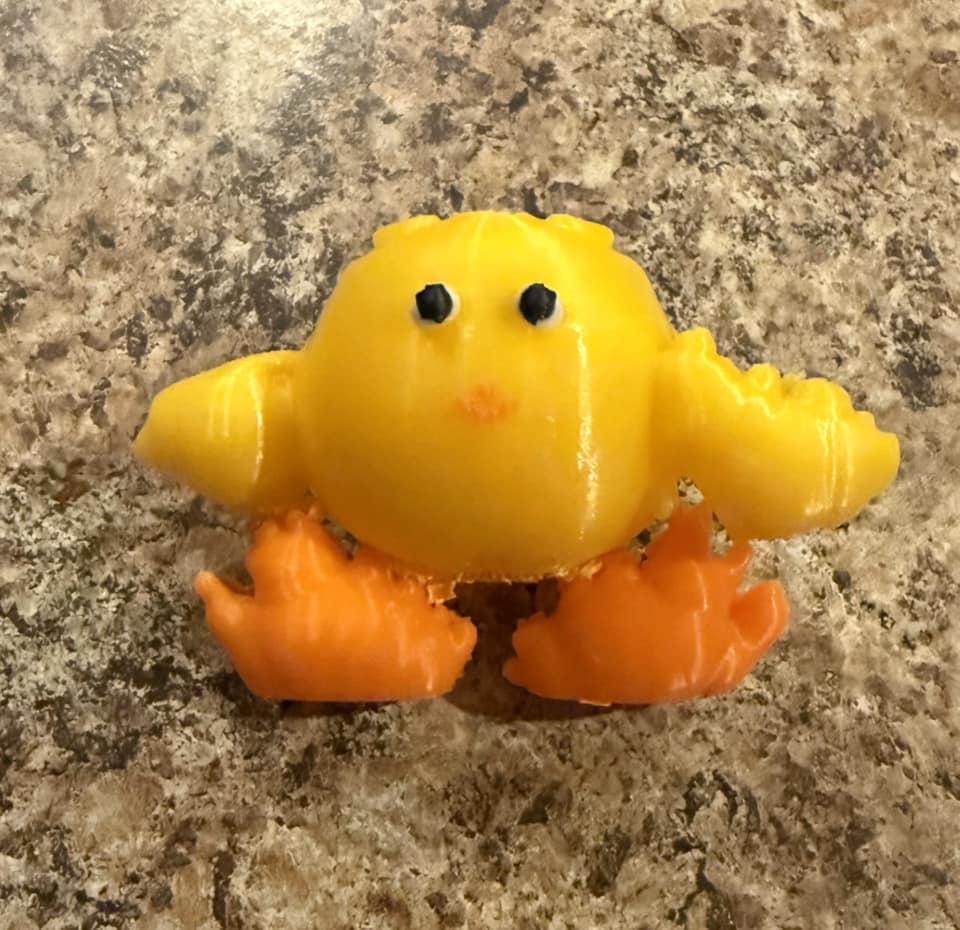
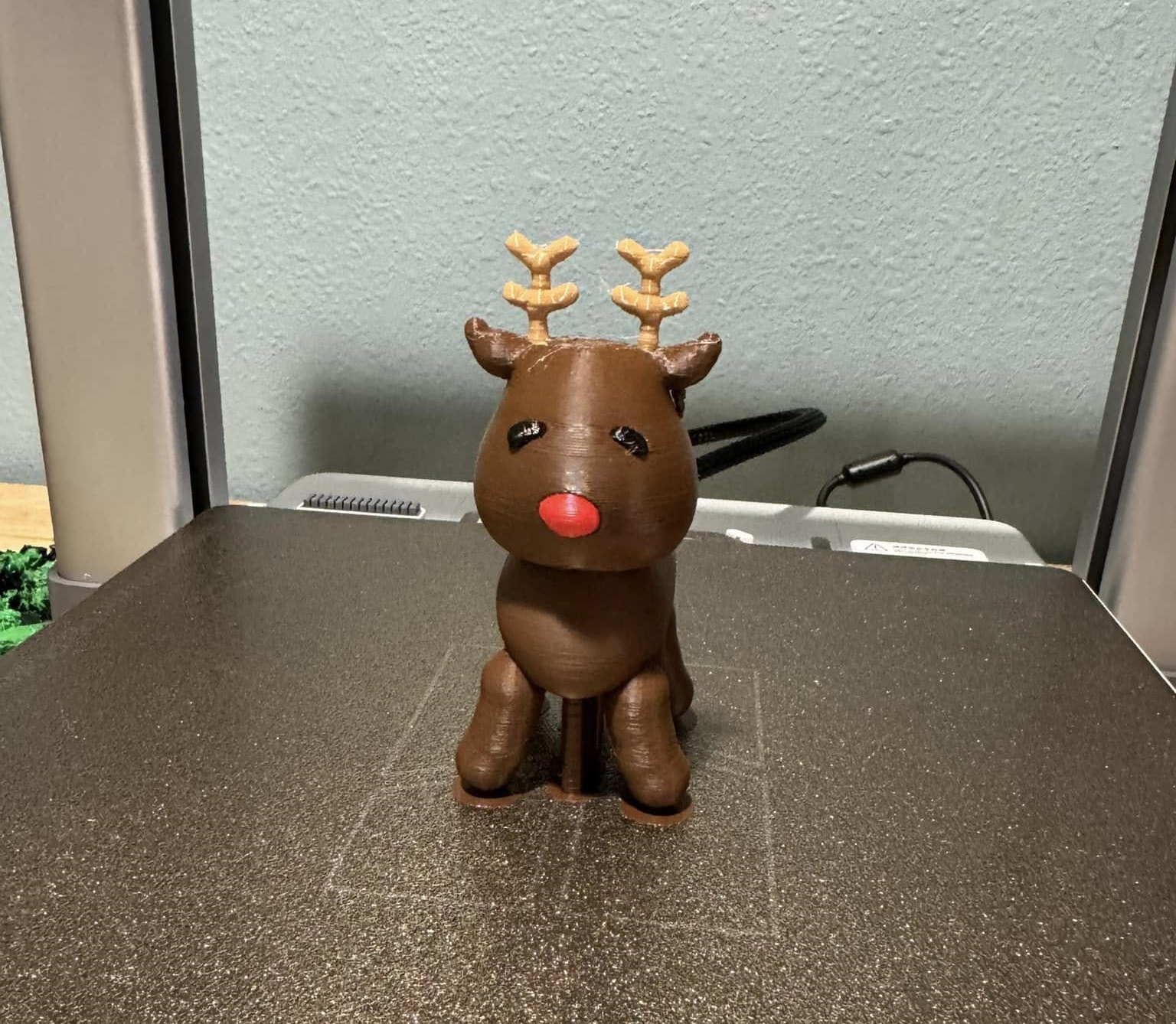
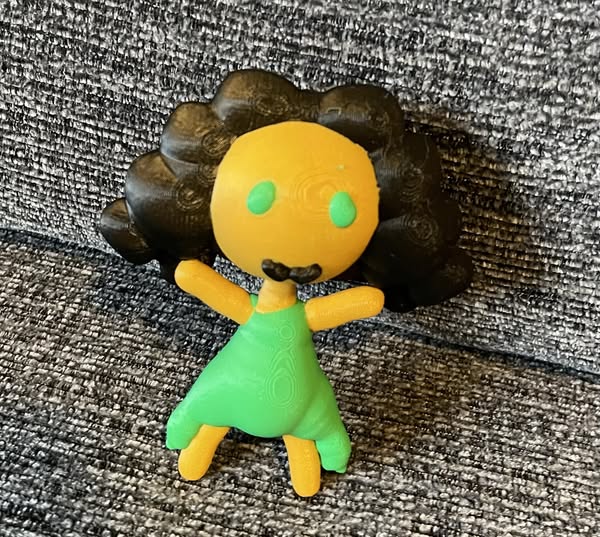
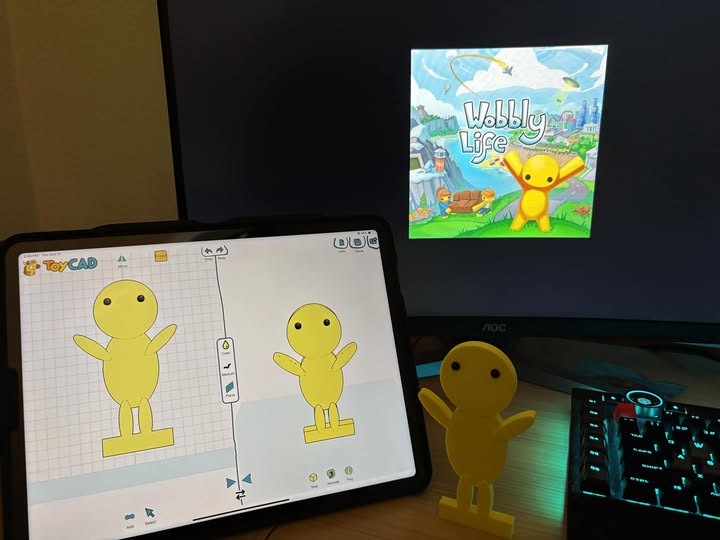
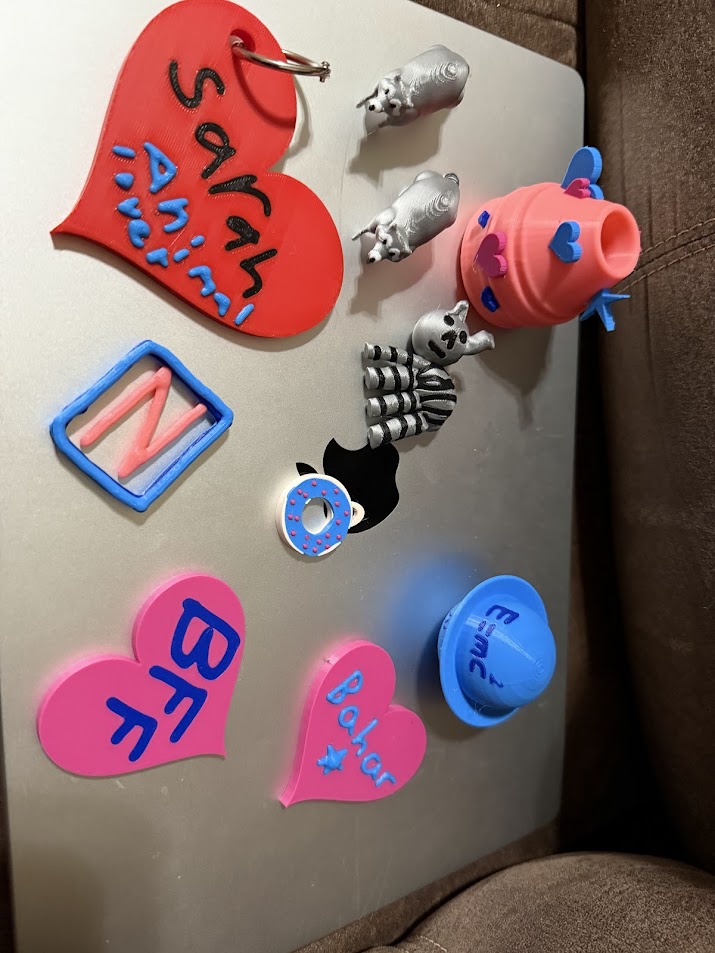
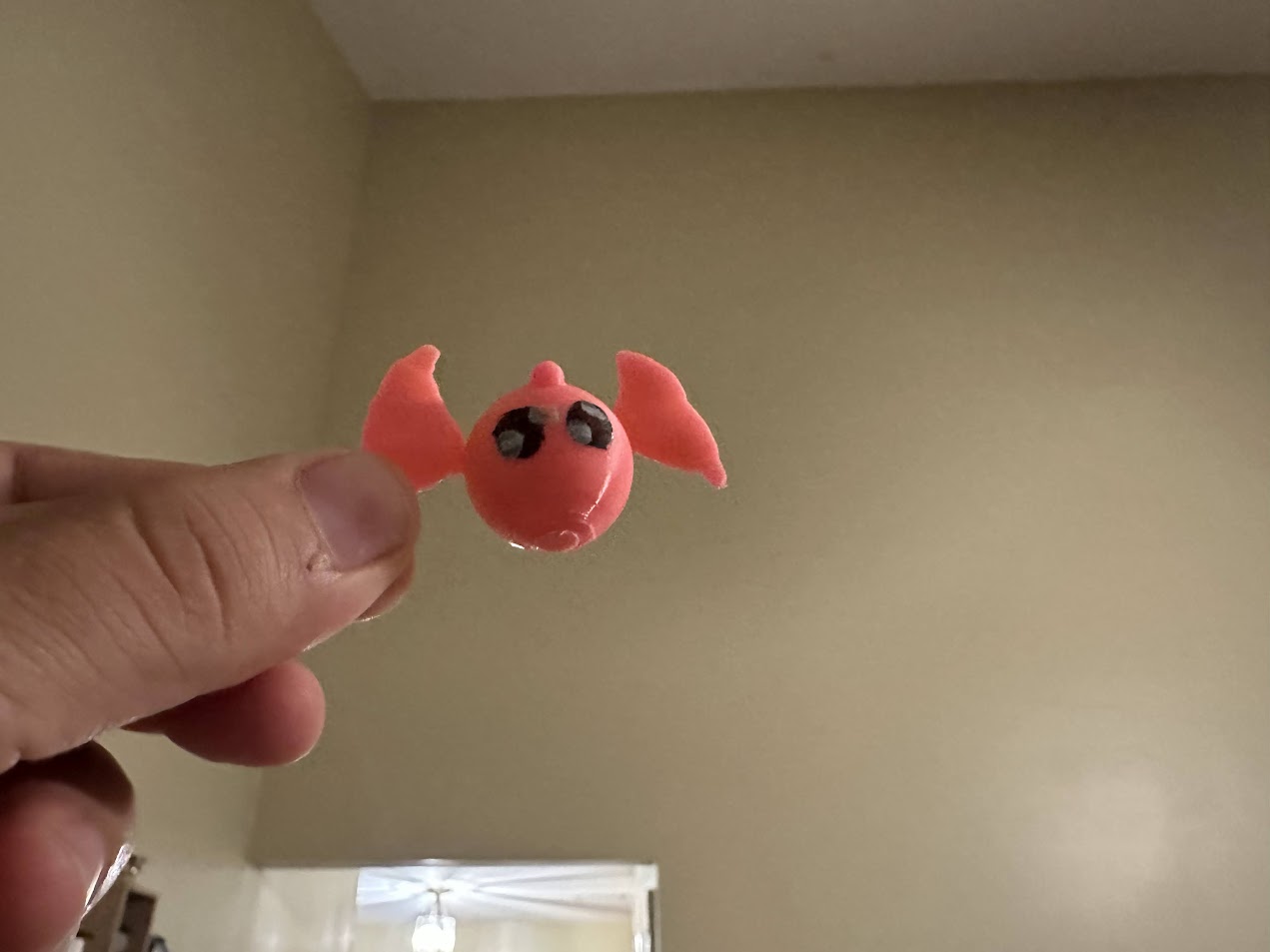
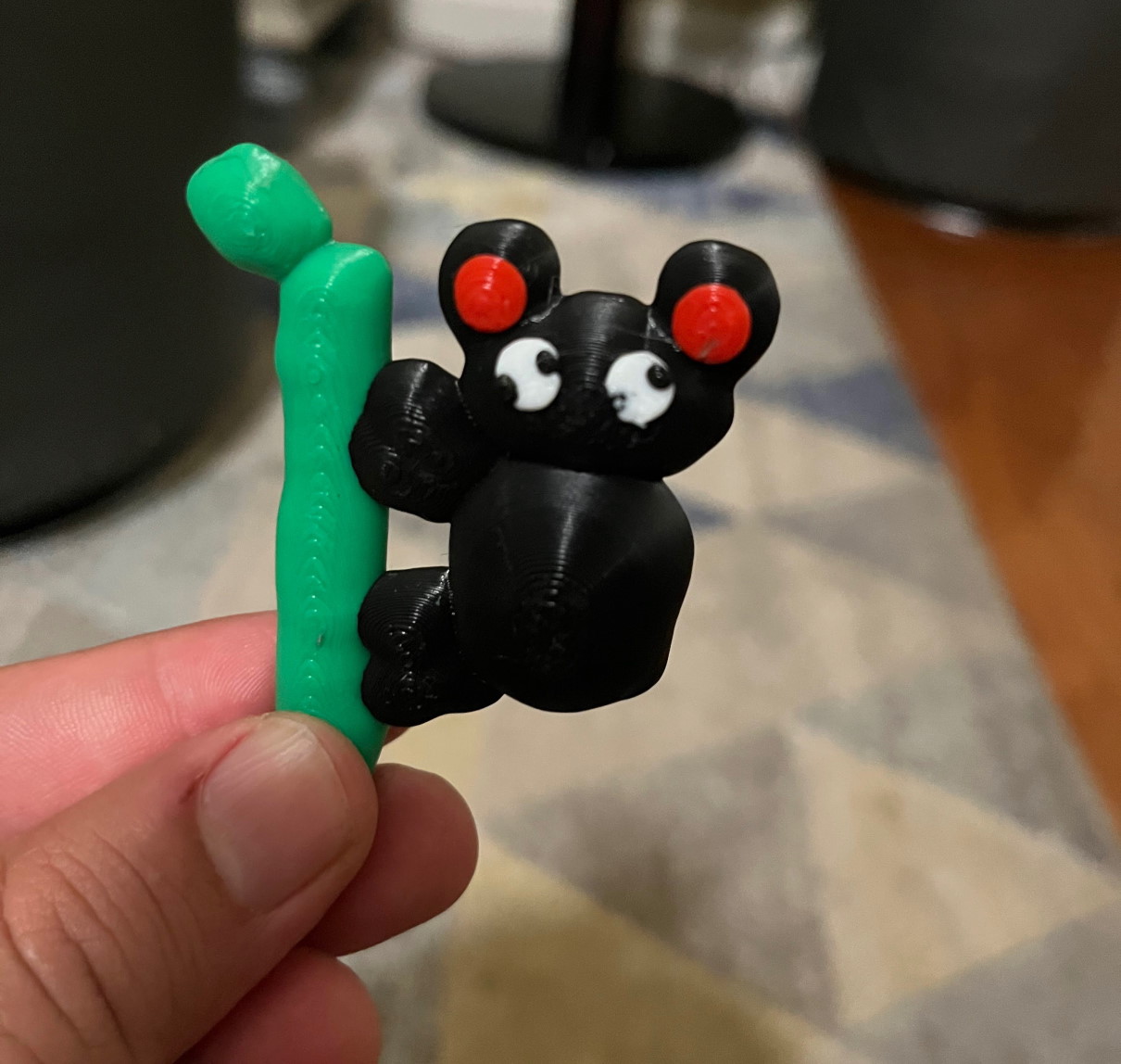
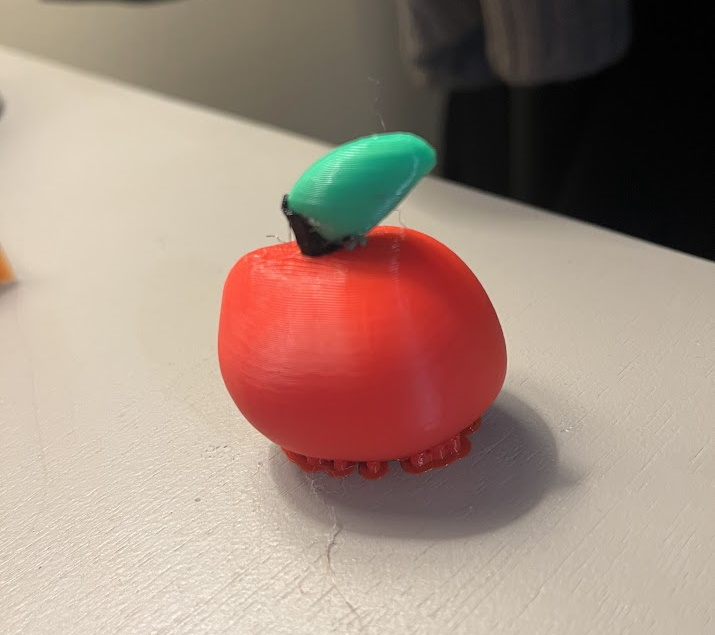
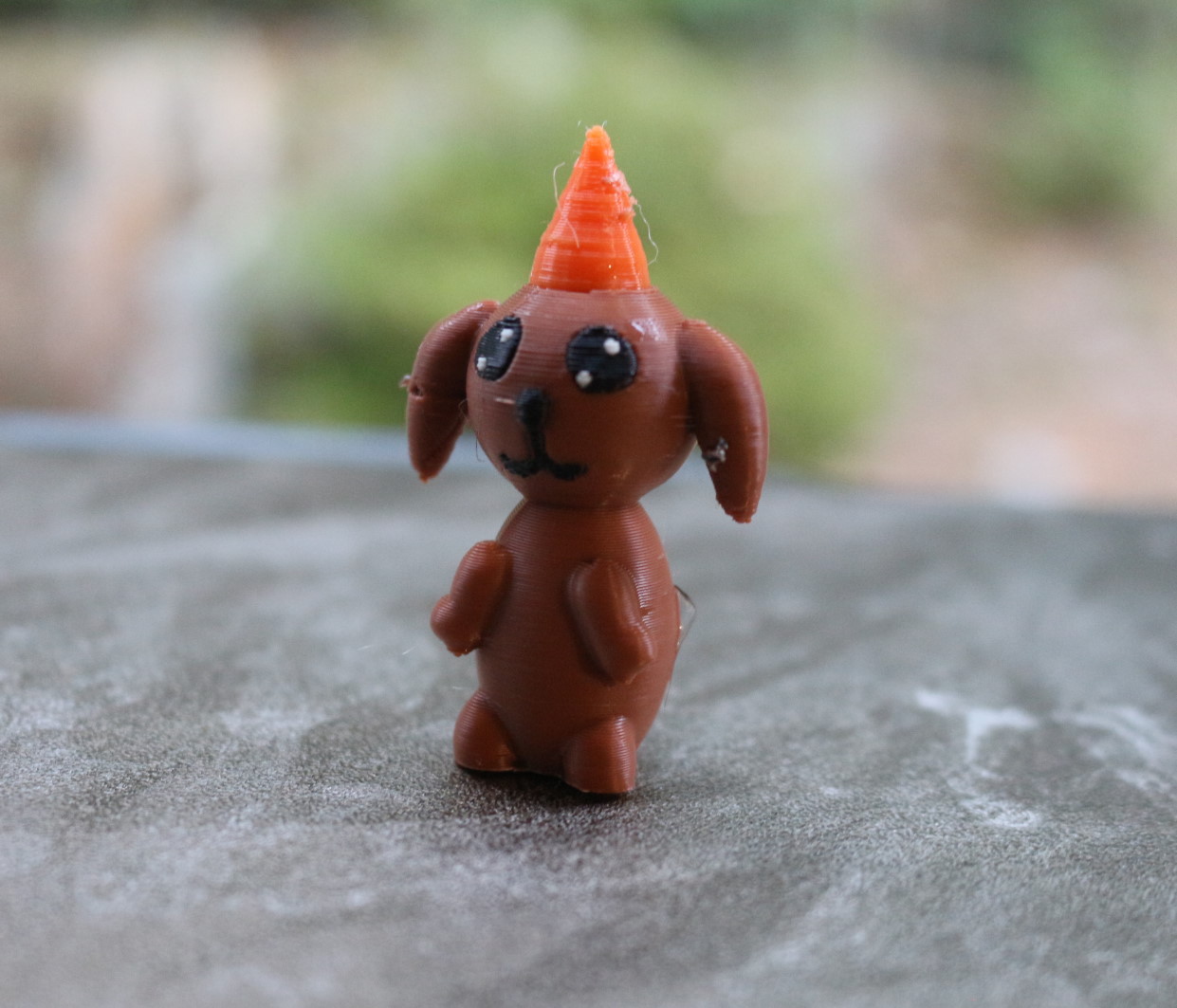
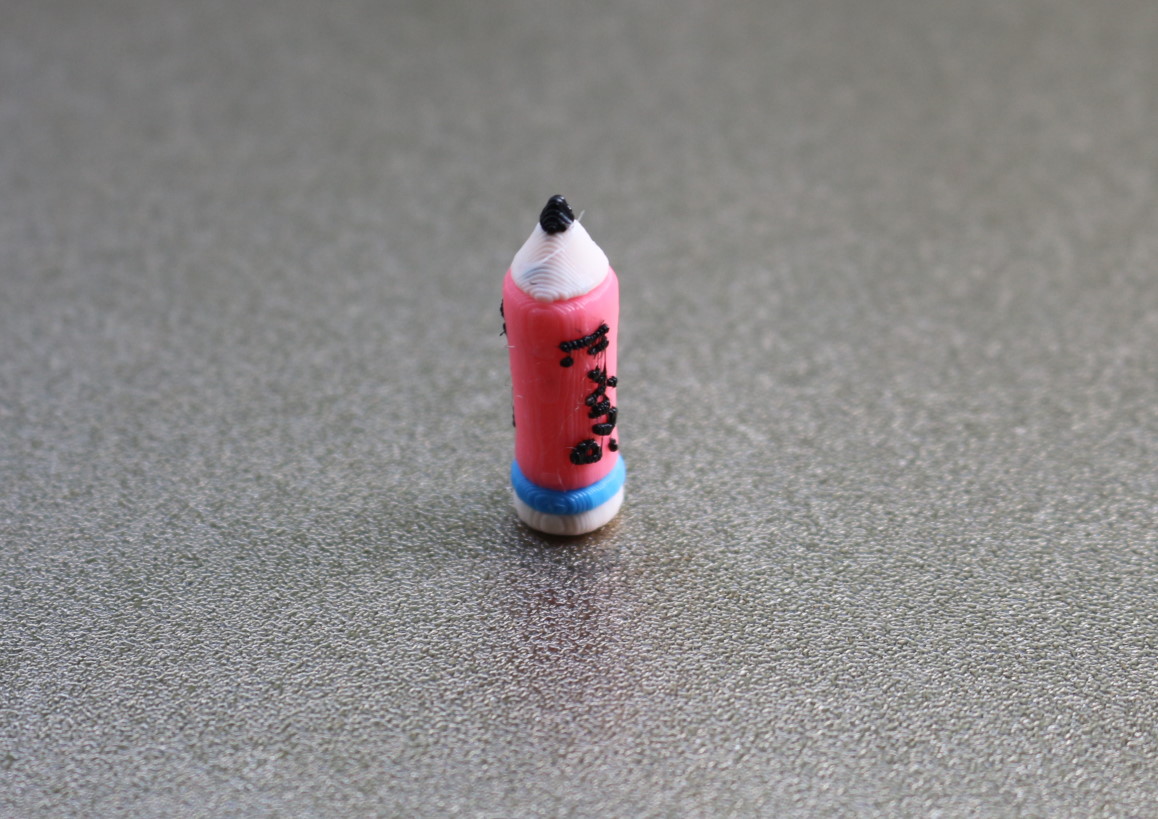
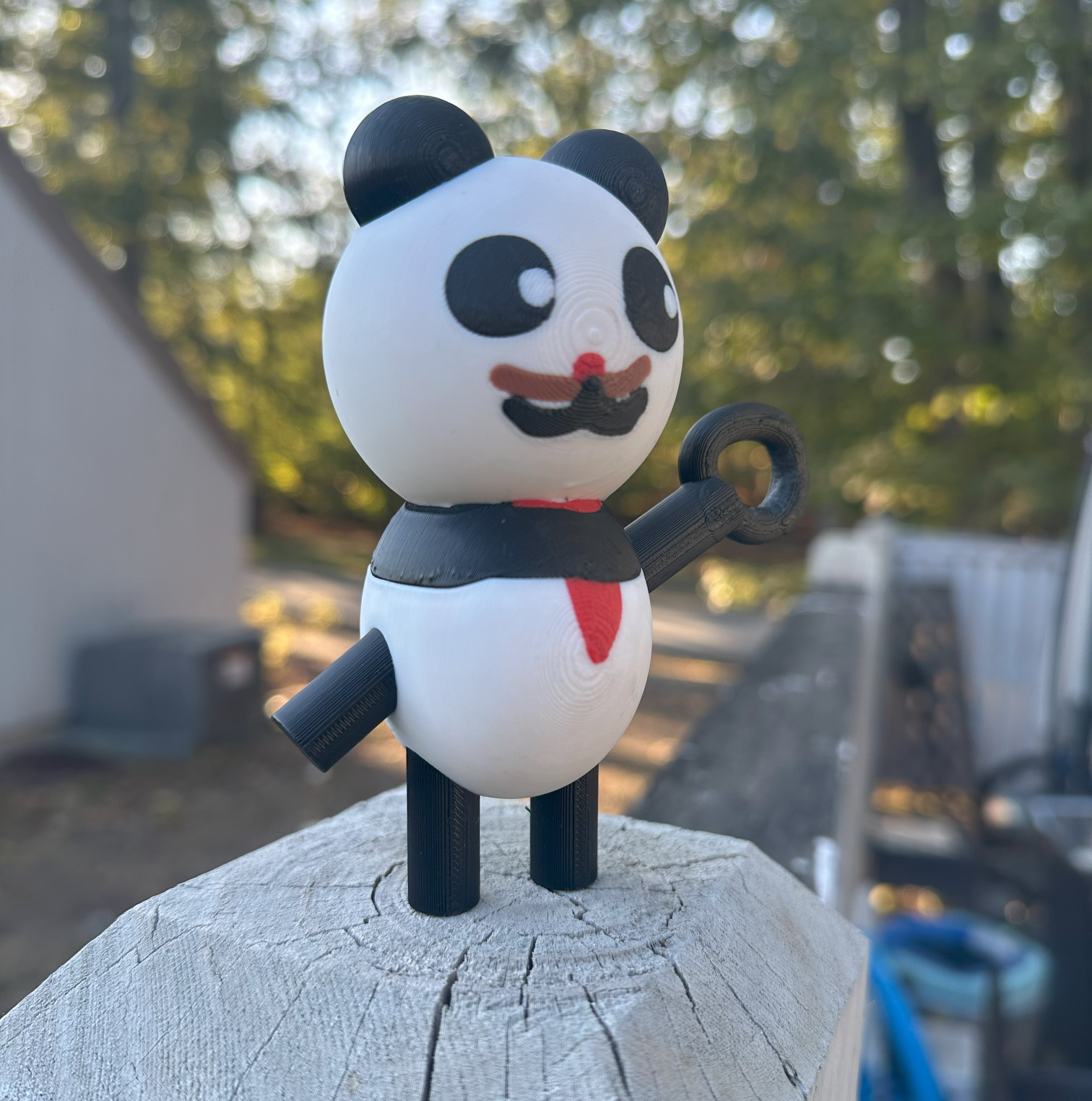
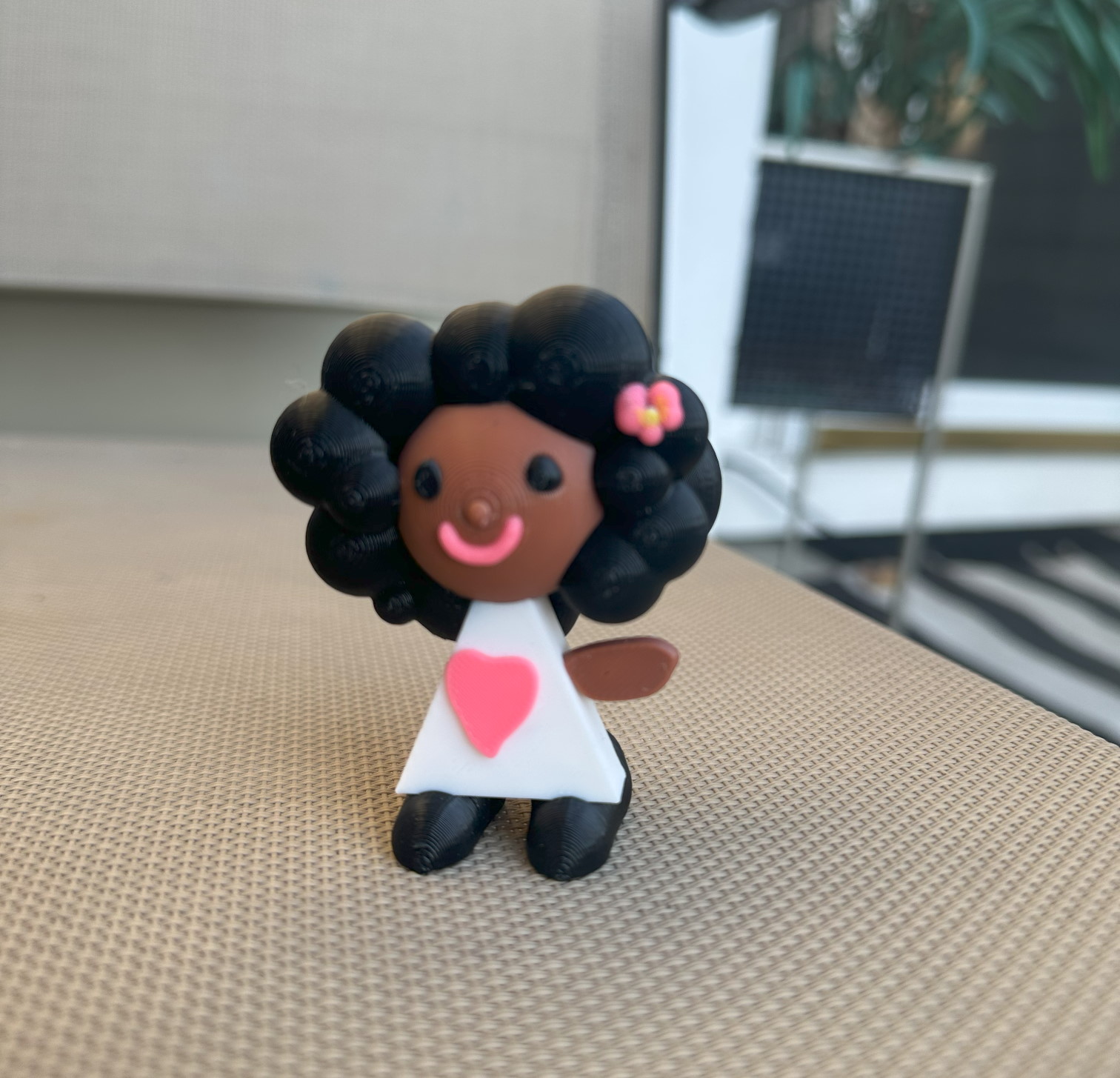
ToyCAD lets kids design their own toys freehand on an iPad — no CAD skills, no training needed. From first drawing to printed toy in one class session.
No complicated software. No teacher training required. Kids start designing in minutes.
Students draw any toy idea on an iPad with their finger or Apple Pencil — just like drawing on paper.
ToyCAD automatically converts the drawing into a 3D print-ready STL file. No manual modeling needed.
Send to your classroom 3D printer. Students hold a physical toy they designed themselves — same session.
No complicated menus. No steep learning curve. Just creativity from day one.
If a student can draw, they can design. Zero prior experience with 3D modeling or CAD software required.
Students are designing in their first session. No setup workshops, no onboarding — just open the app and draw.
Develops design thinking, problem solving, and STEM skills. Perfect for makerspace, STEM, and enrichment programs.
Designed for fingers and Apple Pencil. Works with your existing classroom iPads — no new hardware needed.
Exports standard STL files — works with Bambu Lab, Creality, Prusa, MakerBot and every major brand.
Students design things they care about — characters, animals, toys. Engagement is immediate and sustained.
"I have a 4 year old and she loves to draw in this app with me. Watching her face glow with excitement when a random set of squiggles can become a 3D print she can hold is amazing for us both. ToyCAD is worth 5 stars to me."
"My girls 8 and 6 love it and we printed a couple items they made. I was amazed to see how fast they picked it up — especially my 6 yr old!"
"My son loves it. He's 6 and it's amazing to see the joy in his eyes when I hand him something he designed himself. He is currently working on a Mother's Day gift."
"Thank you so much! My daughter and I absolutely ADORE the app you've created. It's brilliant! So intuitive and easy to dive into!"
"My 5yo loves it and did that all on her own. In fact wouldn't let me help her! Watching her face glow with excitement when squiggles become a 3D print is amazing."
"We had a lot of fun designing and printing the first toys for our 5 and 6 year olds yesterday! Really impressed overall with the program!"
"My kid loves this! I figured I'd give it a shot, and I'm happy with the results. Between the tutorials, library models, and many options while creating — this software is awesome!"
"My daughter just started using it and is loving knowing that we can create whatever she is drawing on our printer!"
"My kids absolutely love the app. I appreciate it! Keep up the good work!"
Real toys designed and printed by kids just like yours.
ToyCAD combines freeform shaping with engineering concepts — so students can make anything from simple characters to interlocking parts.
Real teachers sharing ToyCAD with their students — straight from Instagram.
No subscriptions. No renewals. Pay once and your students have ToyCAD forever.
Join classrooms across the US using ToyCAD to bring 3D design to every student — starting day one.
Request Free Classroom Trial →No credit card. No commitment. Response within 24 hours.
Fill in your details and we'll set up a free trial account within 24 hours.
We respond within 24 hours. No spam, no pressure.
We'll send your free trial promo code within 24 hours. Look for an email from toycad.app —
check your spam folder if you don't see it.
Didn't get it? Email us at [email protected] and
we'll get you set up.
While you wait, explore school plans & pricing or
download ToyCAD and explore it now!