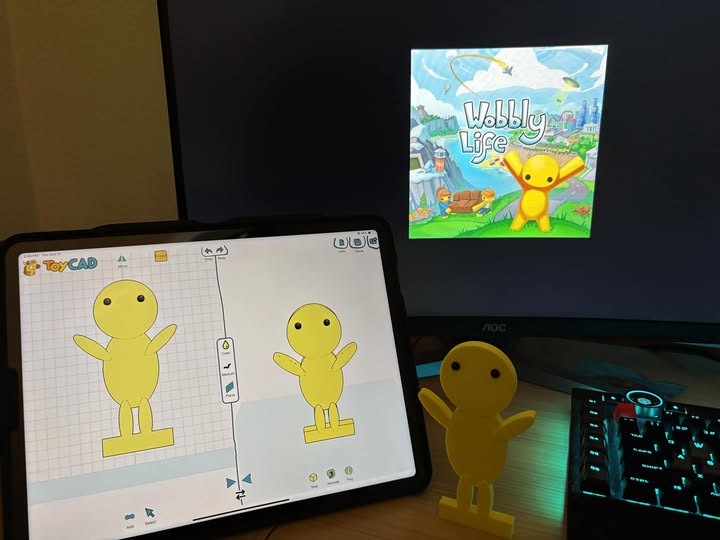
ToyCAD lets students draw any toy and 3D print it — no CAD experience needed. Subscribe
online, generate class codes, and your whole class is unlocked in minutes.
Students download ToyCAD free —
enter class codes in the app to unlock access
Trusted by teachers · Instant class codes ·
Works on iPad & Android · No contracts or purchase orders needed
Simple Setup
From checkout to class drawing in minutes.
1
Subscribe Online
Choose a plan that fits your class size. Secure checkout via Stripe. Cancel any time.
2
Create Class Codes
Instantly generate class codes from your dashboard — one per class period or group.
3
Students Enter the Code
Students open ToyCAD on their iPad or Android tablet, go to Profile, and enter the class code.
Full access unlocks instantly.
4
Start Designing
Students draw, shape, and 3D-print any toy they can imagine. No experience needed.
Classroom Pricing
The right plan for every classroom.
Subscribe month-to-month or save 2 months by paying annually.
Teacher
Up to 3 students
$9
/month
3 student seats
Unlimited class codes
Full ToyCAD access for all seats
Instant code management dashboard
Most Popular
Classroom
Up to 35 students
$29
/month
35 student seats
Unlimited class codes
Full ToyCAD access for all seats
Instant code management dashboard
Covers a full class period
School
Unlimited students
$99
/month
Unlimited student seats
Unlimited class codes
Full ToyCAD access school-wide
Instant code management dashboard
Covers all classrooms
All plans include the full ToyCAD experience. Annual plans are billed once per year. Cancel monthly
plans any time.
Questions
Everything you need to know
After subscribing, you get access to a dashboard where you can create class codes
with custom labels (e.g. "Period 1", "Room 204"). Share a single code with all students in that
group — each student enters it in the ToyCAD app under Profile → Class Code to unlock full
access. You can create as many codes as you need, but the total number of students who can
activate codes is capped by your plan (3 for Teacher, 35 for Classroom, unlimited for School).
ToyCAD runs on iPad (iOS) and Android tablets. Students enter the class code in
the Profile tab of the app. Each seat is activated per device/account.
Each plan has a total seat limit: 3 seats for Teacher, 35 for Classroom, and
unlimited for School. Once the limit is reached, additional students will see an error when
entering a class code. You can revoke unused seats from your dashboard by deactivating class
codes or upgrade to a larger
plan.
Monthly plans can be cancelled any time from your Stripe billing portal. Annual
plans can be cancelled to stop renewal; access continues until the end of the paid period.
No. You can subscribe instantly with any credit or debit card. No purchase
orders, contracts, or IT setup required. The subscription is billed to the card on file via
Stripe.
Teacher ($9/mo) covers up to 3 students — great for a small group or pilot.
Classroom ($29/mo) covers up to 35 students, enough for a full class period. School ($99/mo)
gives unlimited seats school-wide. All plans include the same full ToyCAD experience and class
code dashboard.
Yes. Student designs are saved locally on their device in ToyCAD. If a class code
subscription expires, students are returned to free-tier access but all designs already saved on
their device remain intact and they can download them.
We're happy to help! Reach out to us at [email protected] and we'll get back to you
as soon as possible.
Ready to bring 3D design to your classroom?
Start in minutes. No contracts, no IT setup. Cancel any time.
Real Results
What parents & educators say
★★★★★
"I have a 4 year old and she loves to draw in this app with
me. Watching her face glow with excitement when a random set of squiggles can become a 3D print
she can hold is amazing for us both. ToyCAD is worth 5 stars to me."
— Drivenapollo
★★★★★
"My girls 8 and 6 love it and we printed a couple items they
made. I was amazed to see how fast they picked it up — especially my 6 yr old!"
— Aaron W.
★★★★★
"My son loves it. He's 6 and it's amazing to see the joy in
his eyes when I hand him something he designed himself. He is currently working on a Mother's
Day gift."
— Michael J.
★★★★★
"Thank you so much! My daughter and I absolutely ADORE the
app you've created. It's brilliant! So intuitive and easy to dive into!"
— Kate O.
★★★★★
"My 5yo loves it and did that all on her own. In fact
wouldn't let me help her! Watching her face glow with excitement when squiggles become a 3D
print is amazing."
— Matt W.
★★★★★
"We had a lot of fun designing and printing the first toys for our 5 and 6
year olds yesterday! Really impressed overall with the program!"
— Ryan W.
★★★★★
"My kid loves this! I figured I'd give it a shot, and I'm
happy with the results. Between the tutorials, library models, and many options while creating —
this software is awesome!"
— Jason P.
★★★★★
"My daughter just started using it and is loving knowing that we can create
whatever she is drawing on our printer!"
— Amanda P.
★★★★★
"My kids absolutely love the app. I appreciate it! Keep up
the good work!"
— Brandon F.
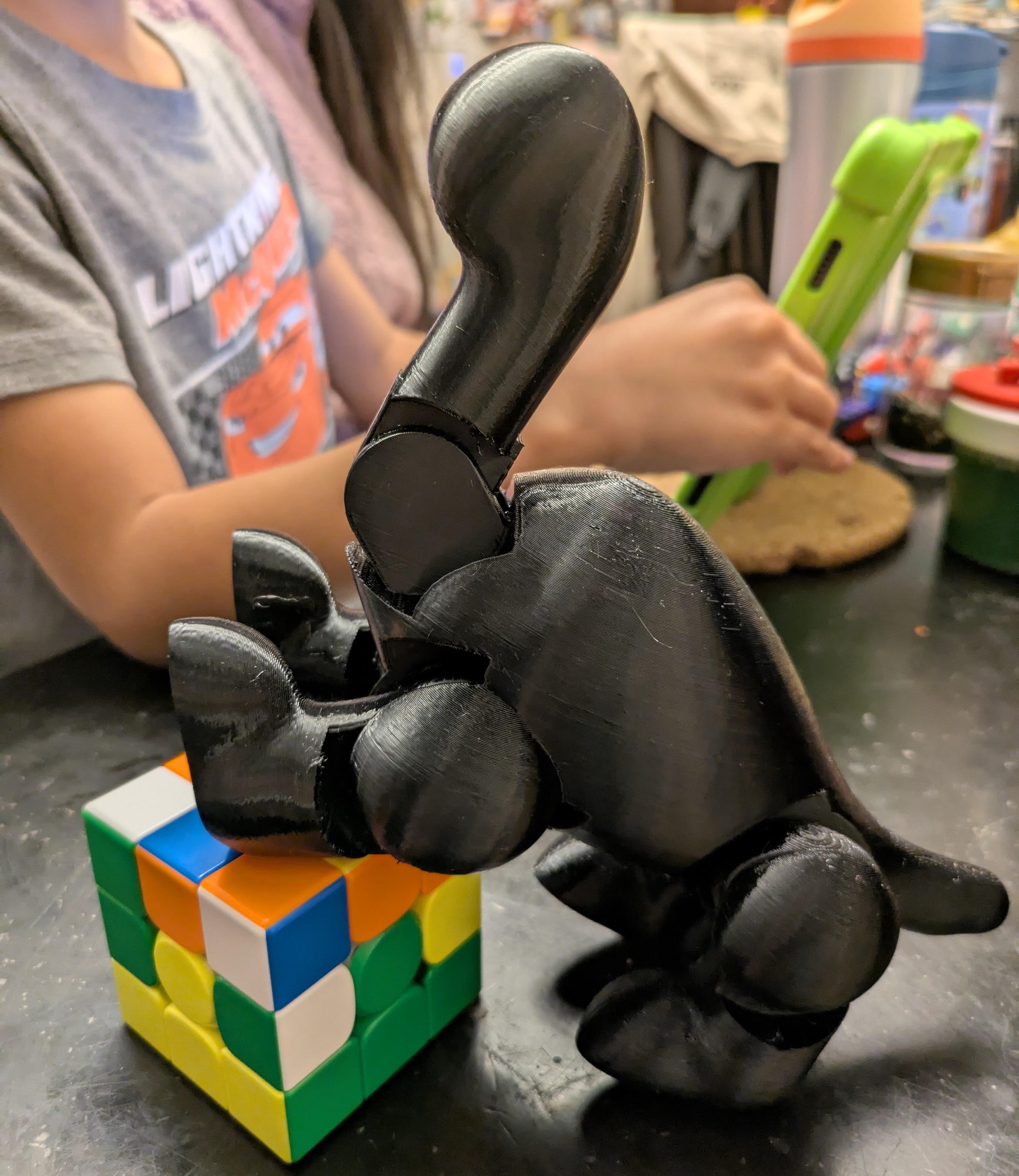
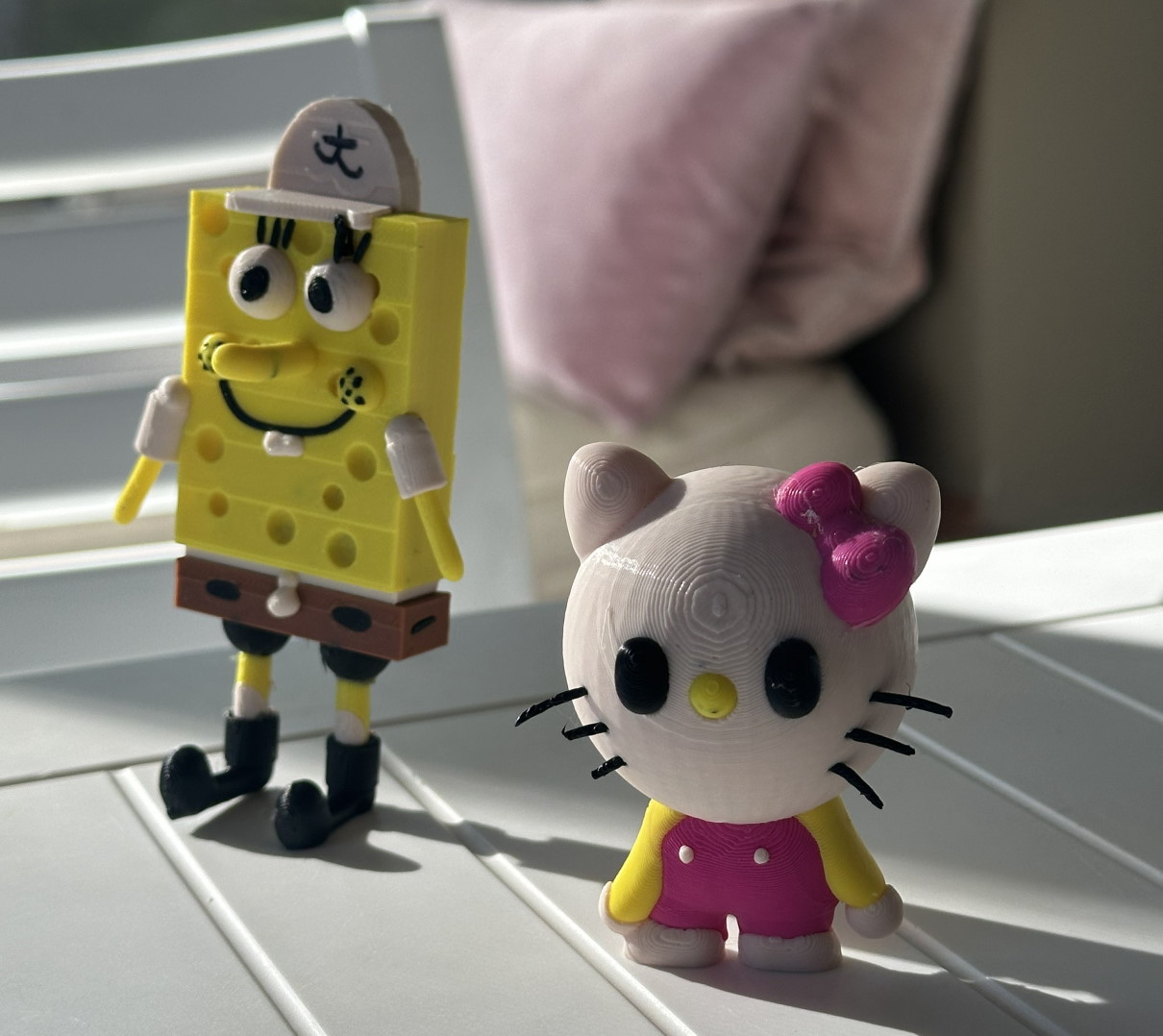
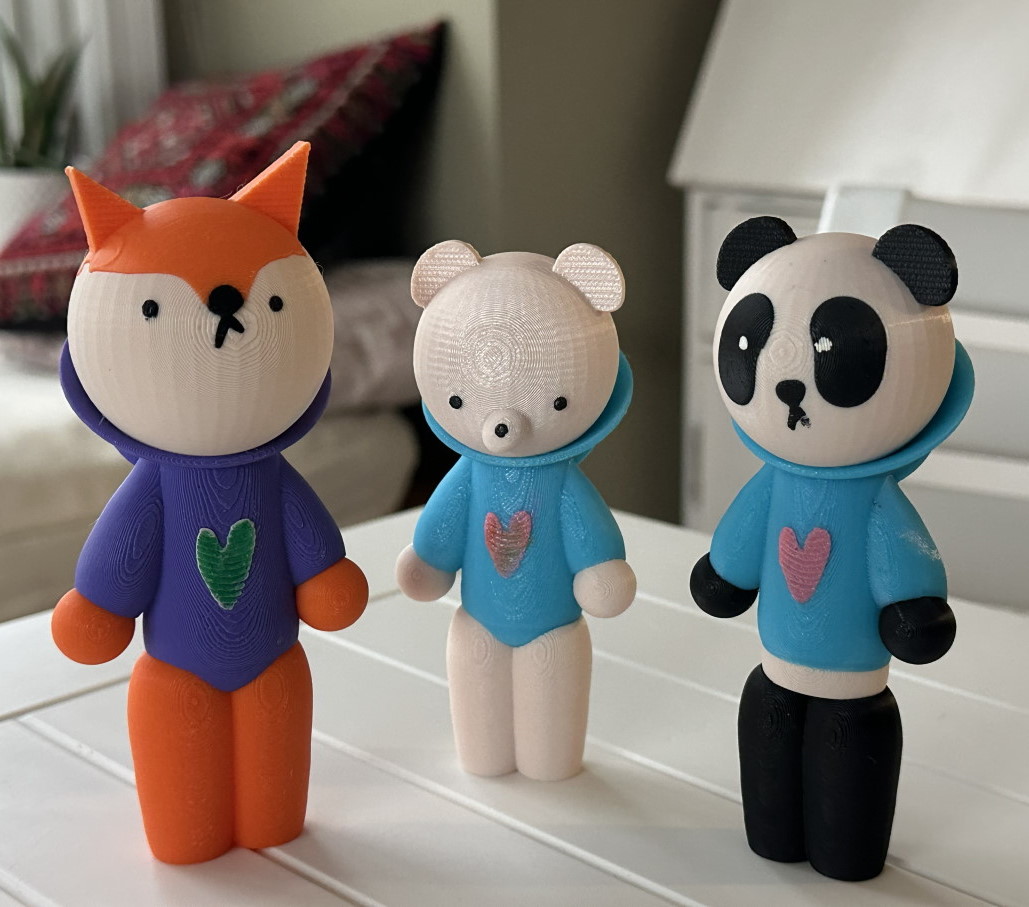
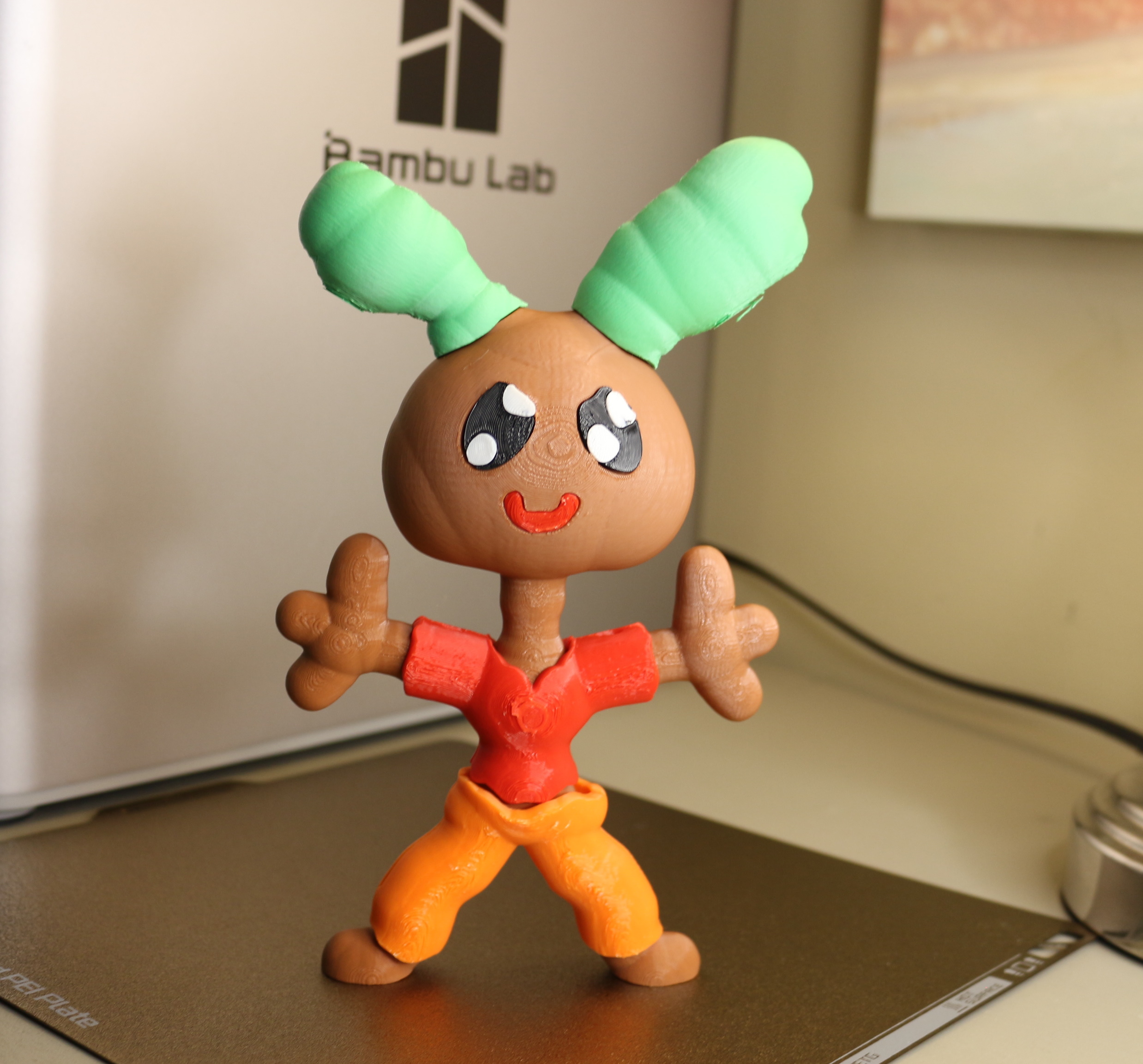
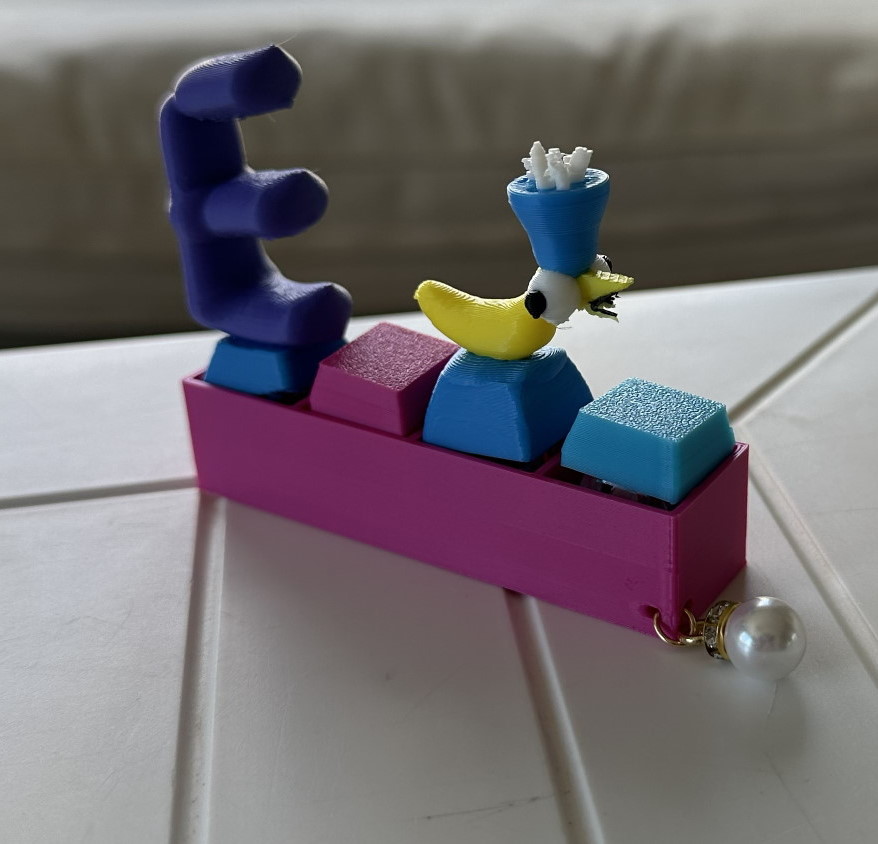
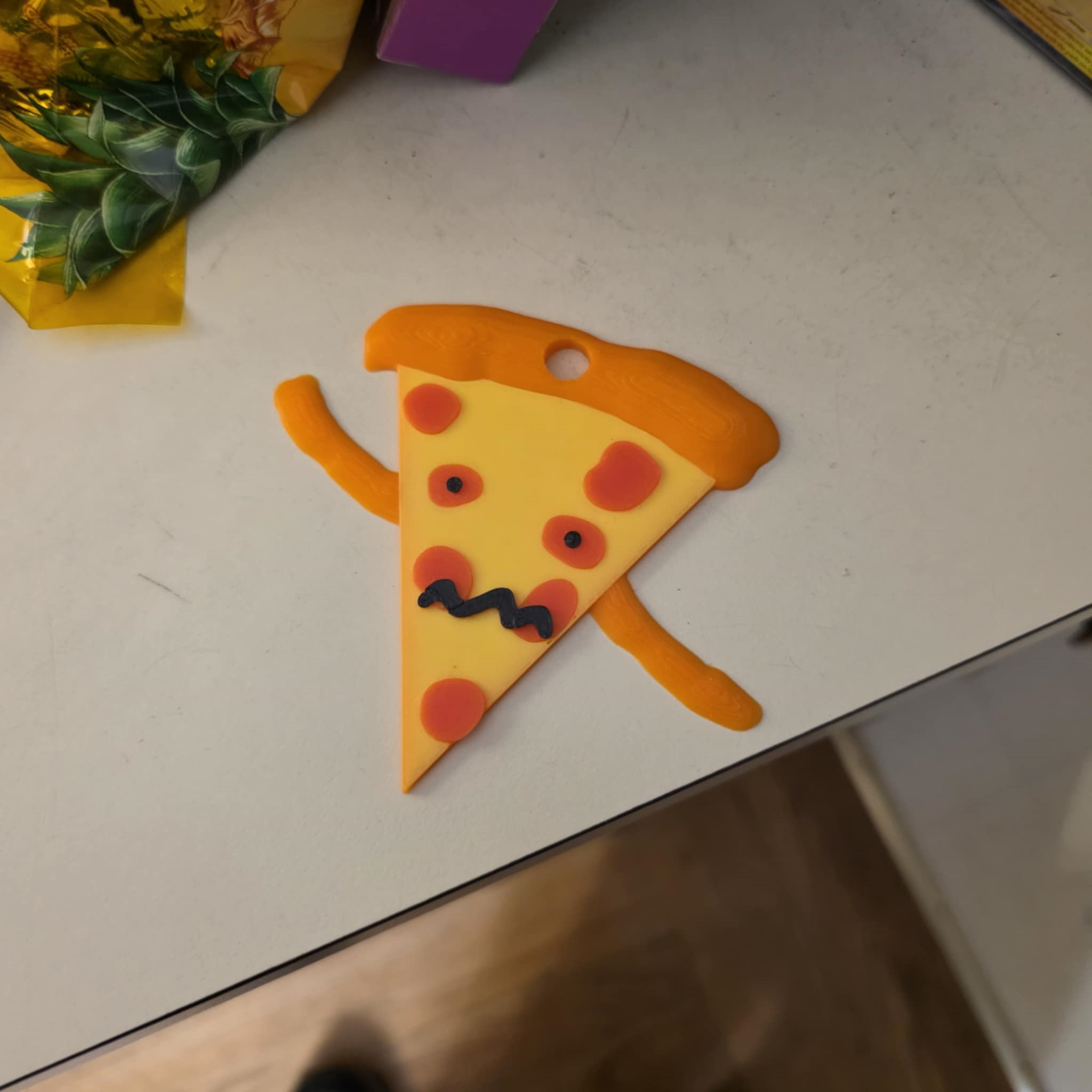
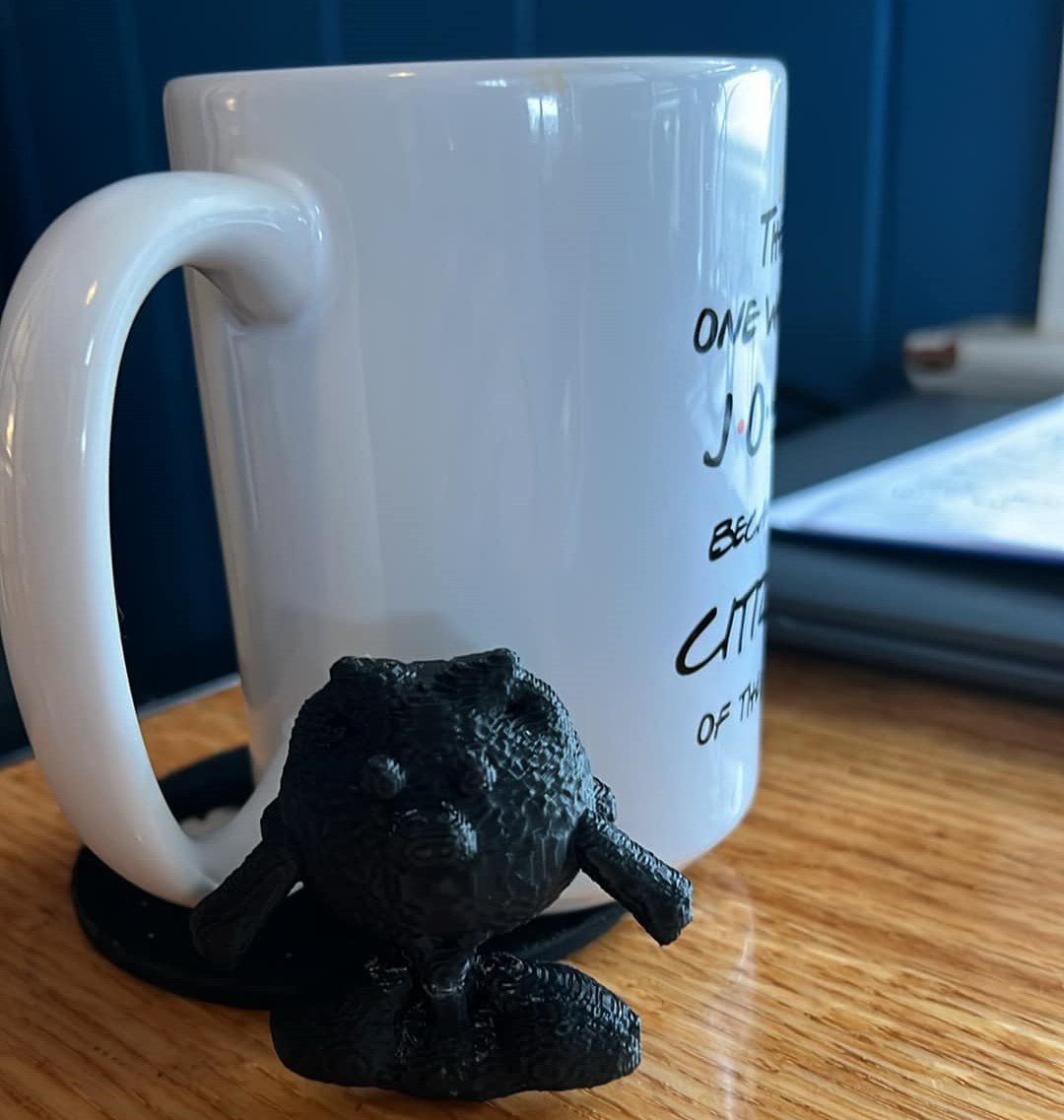
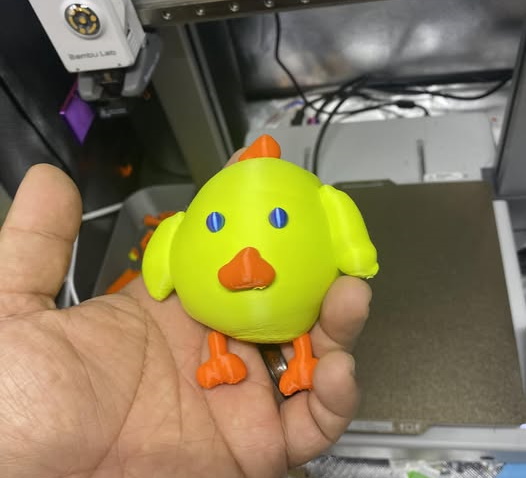
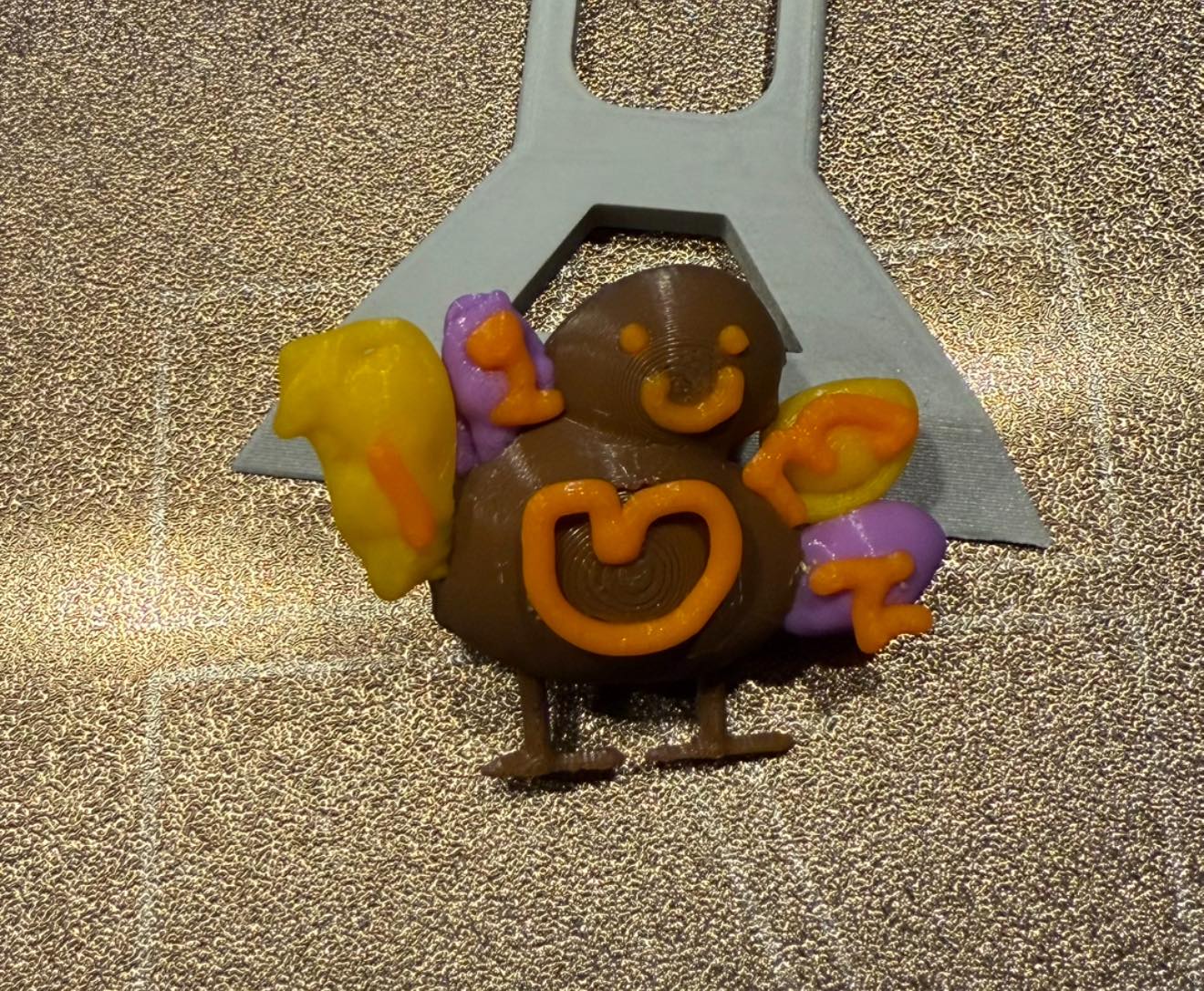
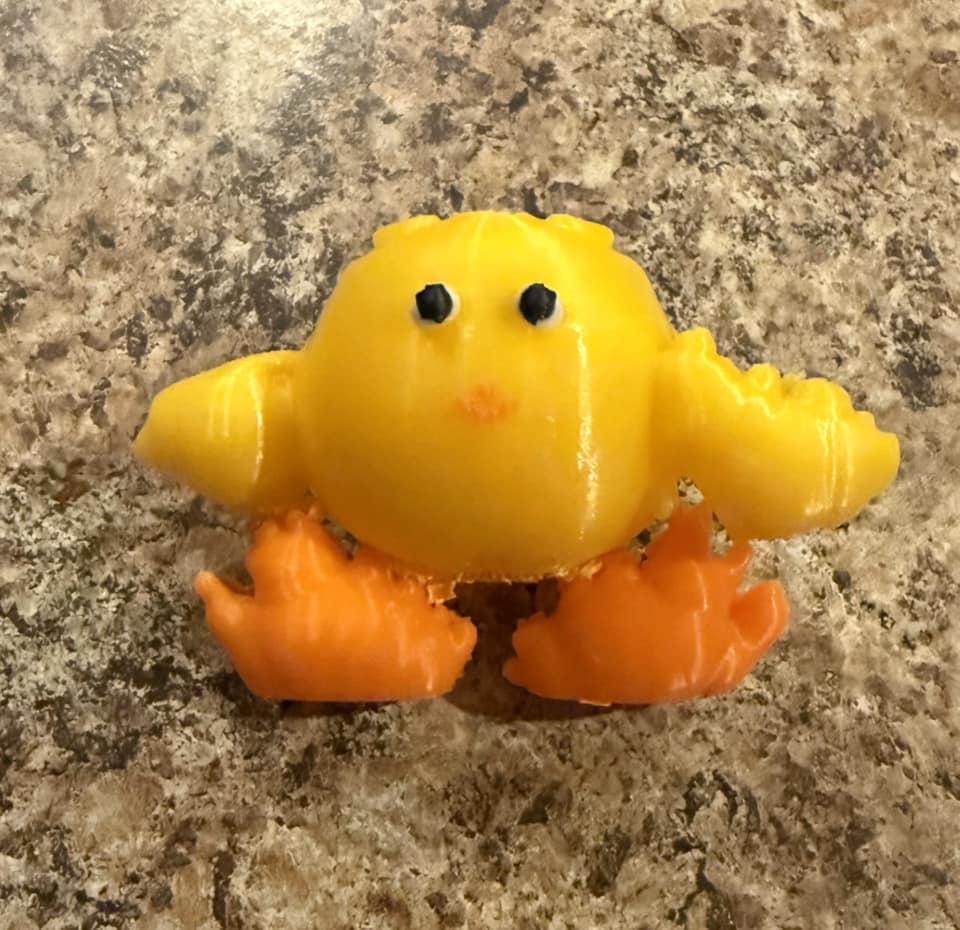
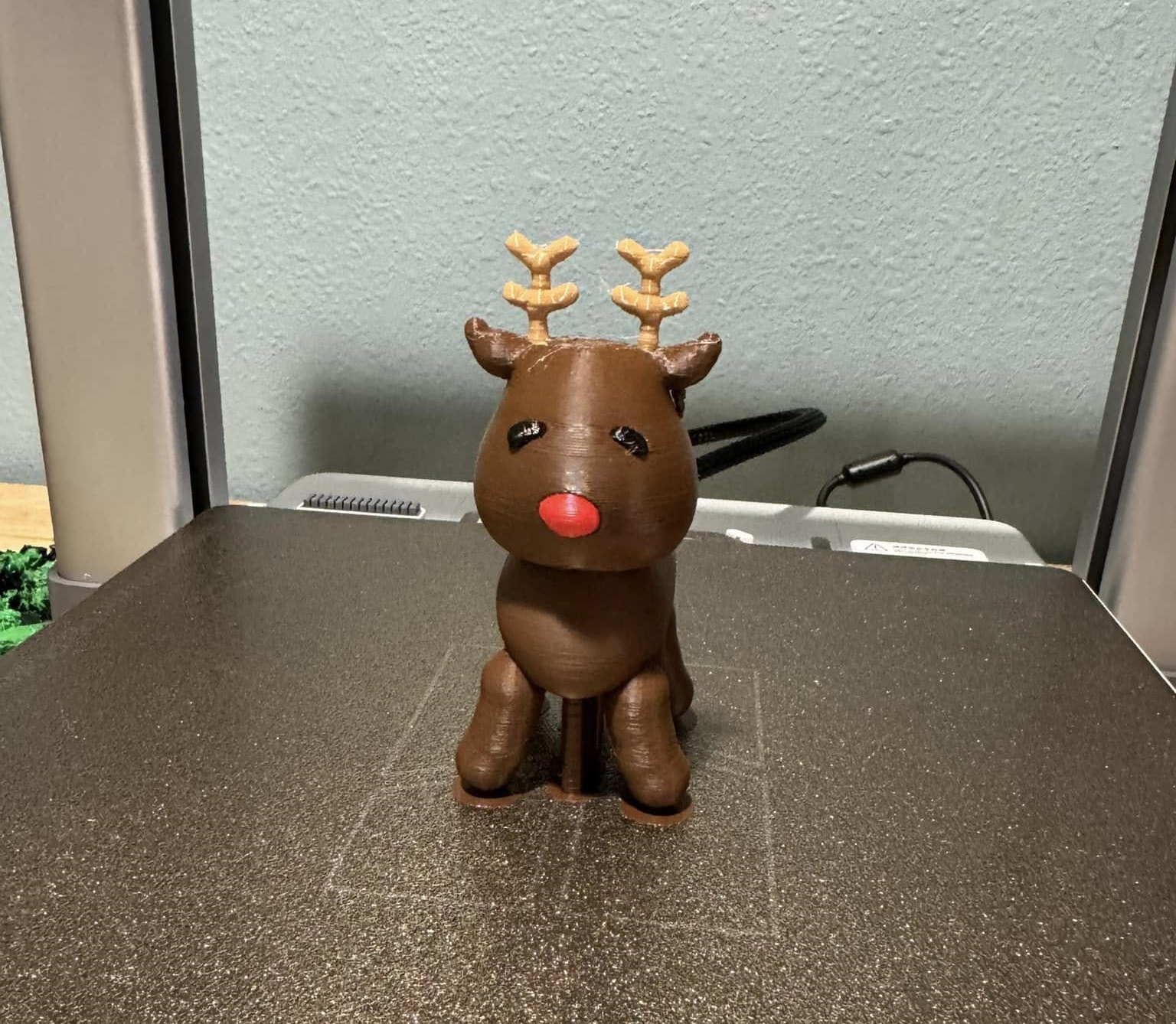
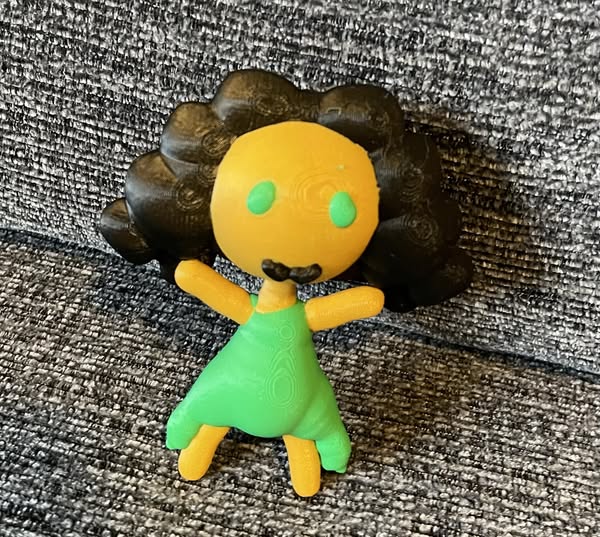
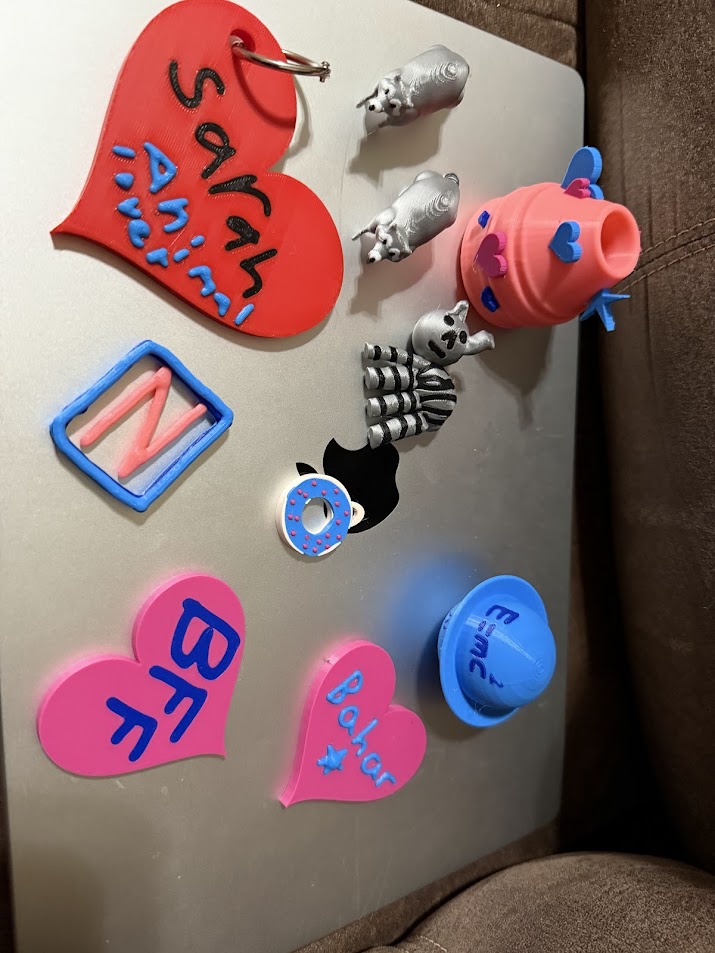
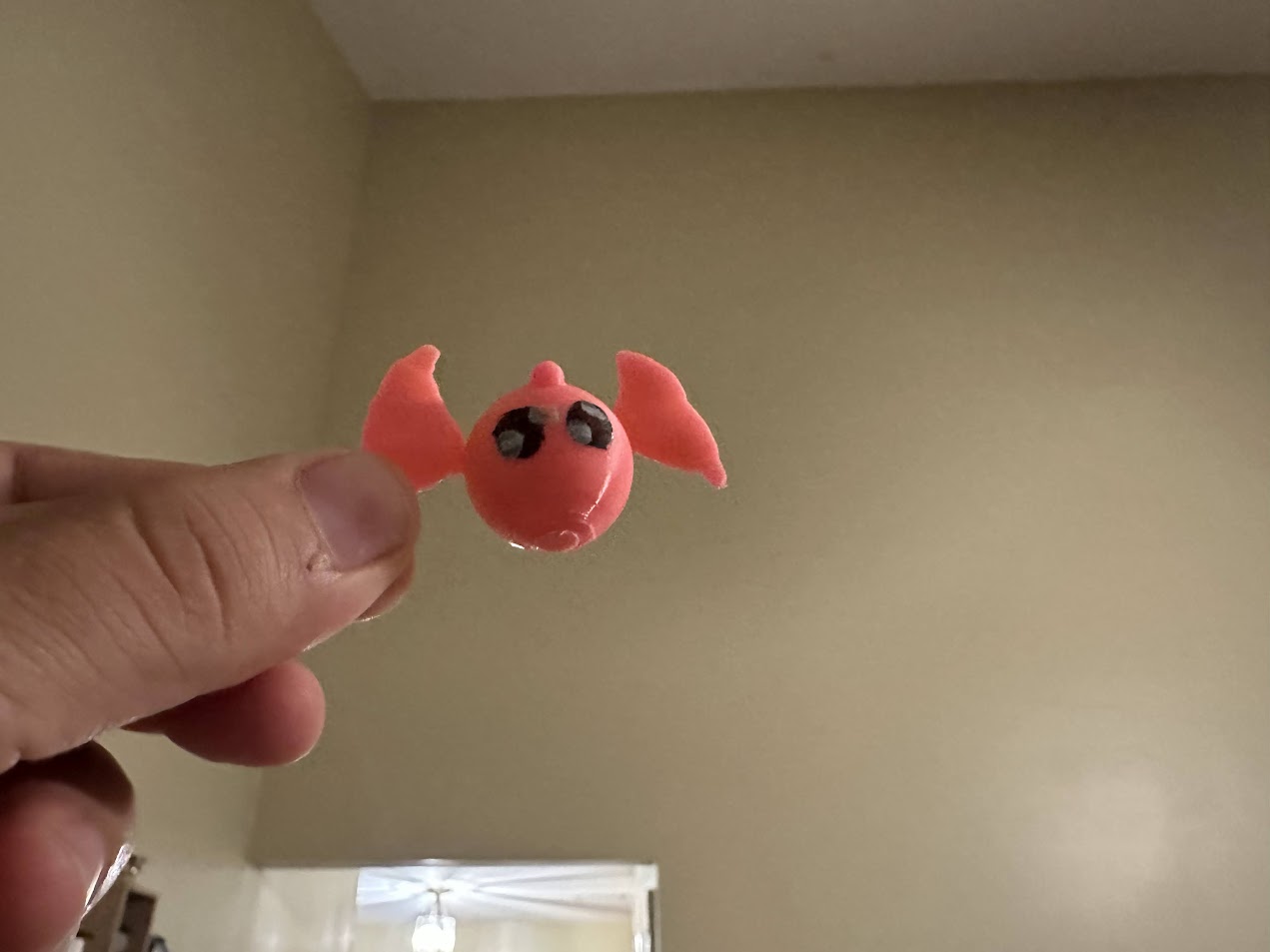
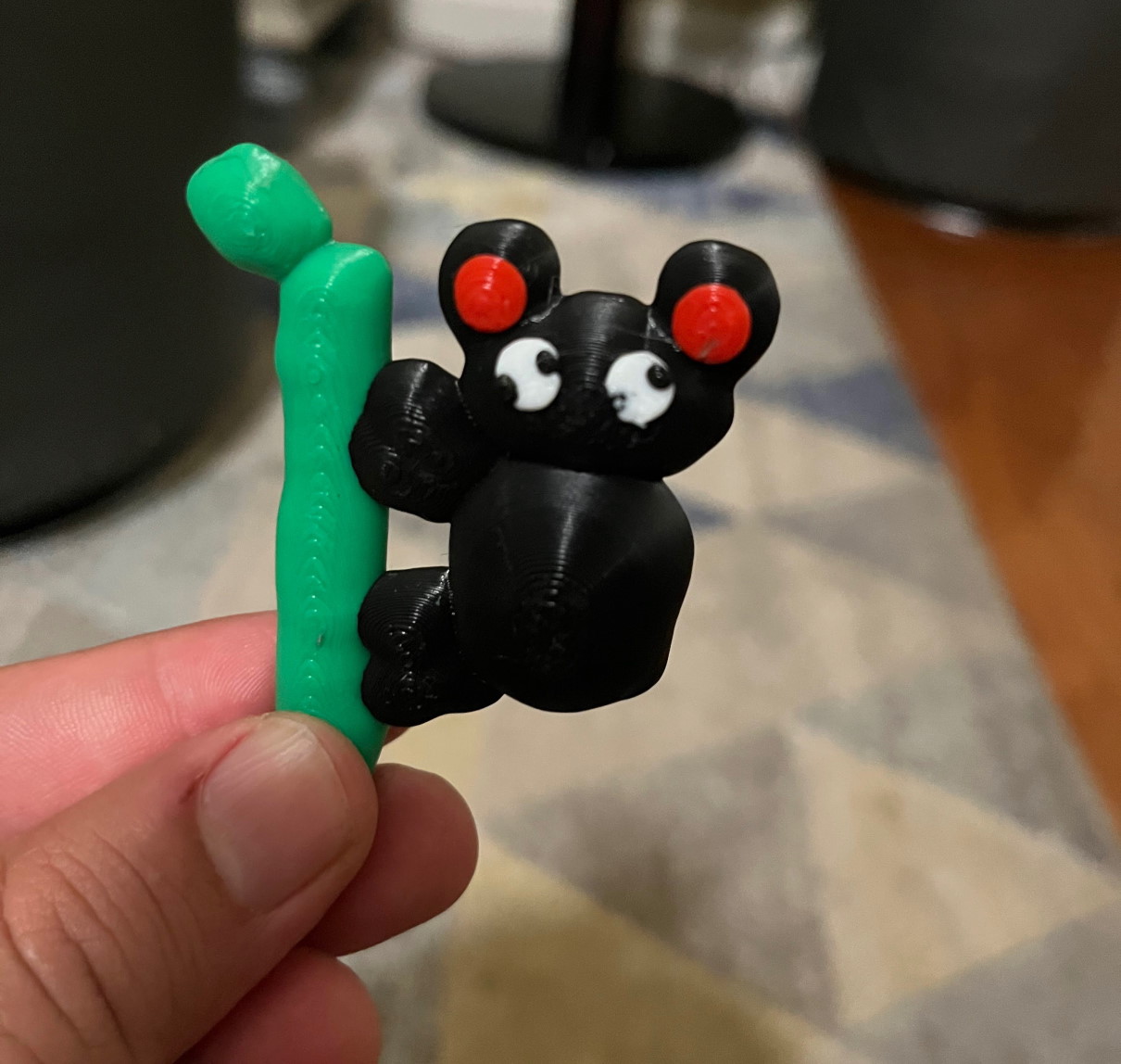
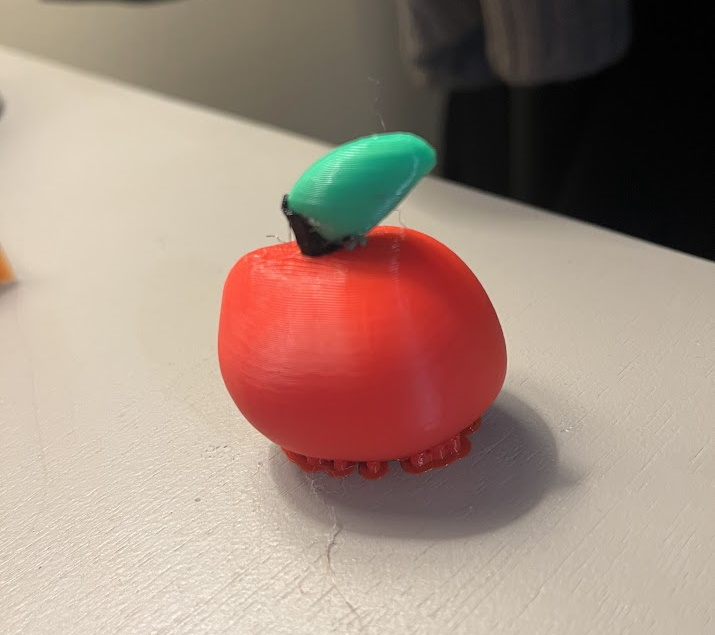
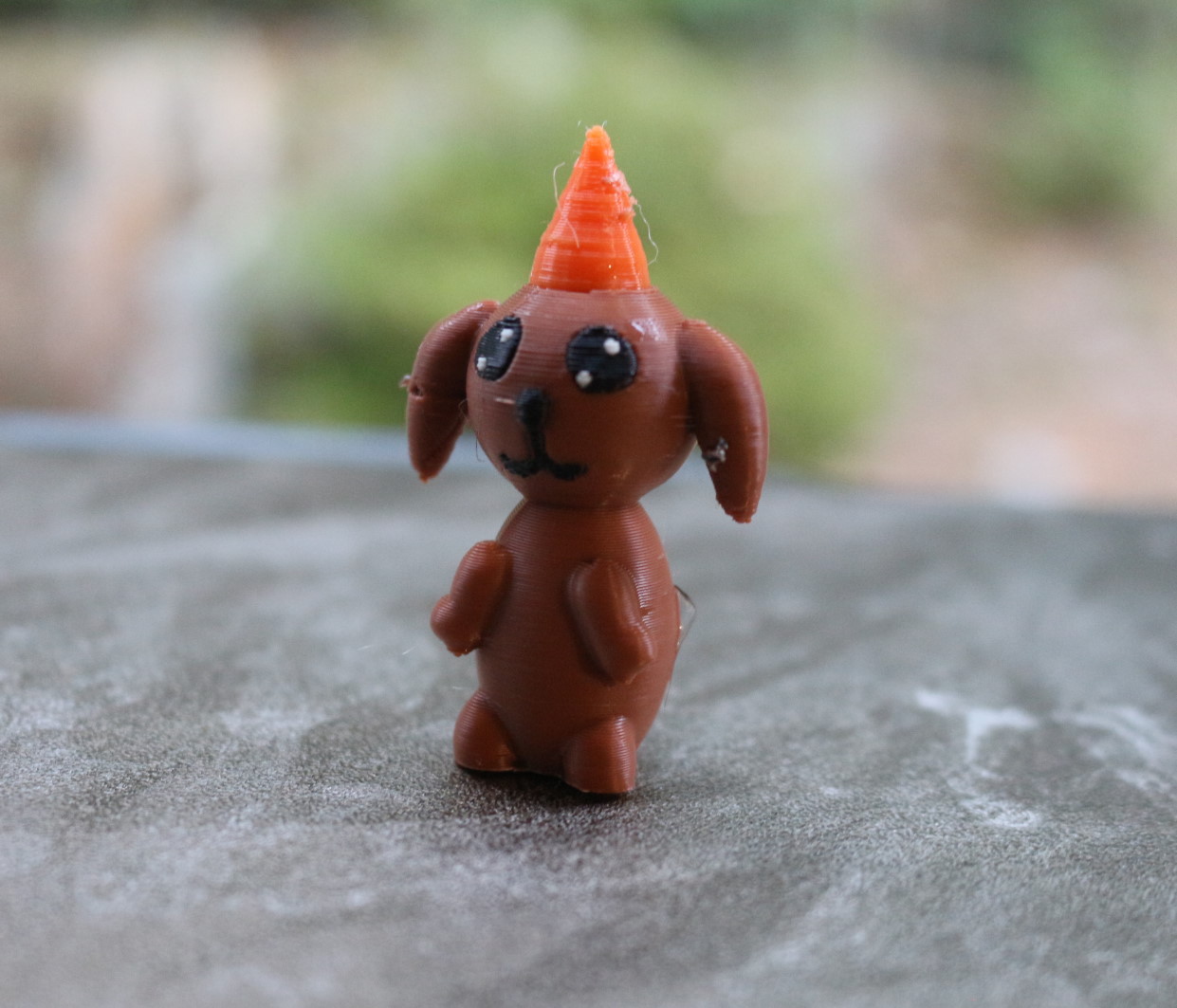
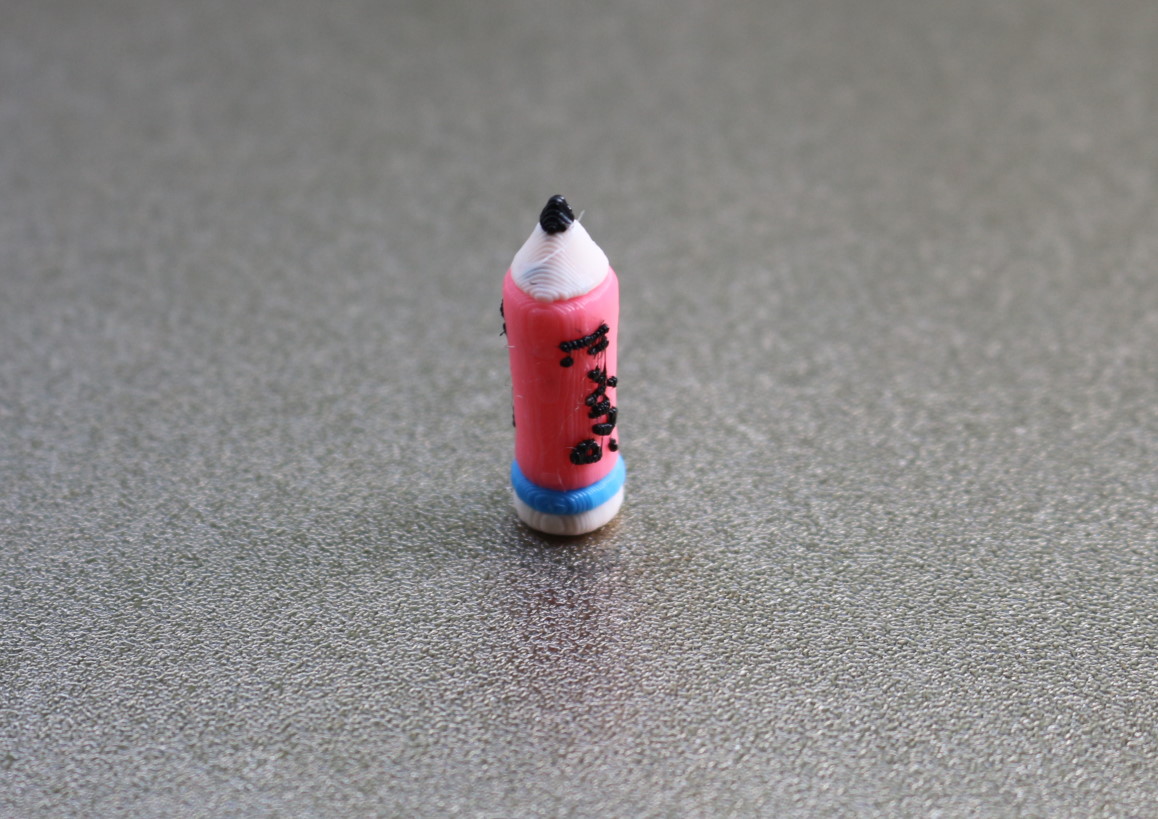
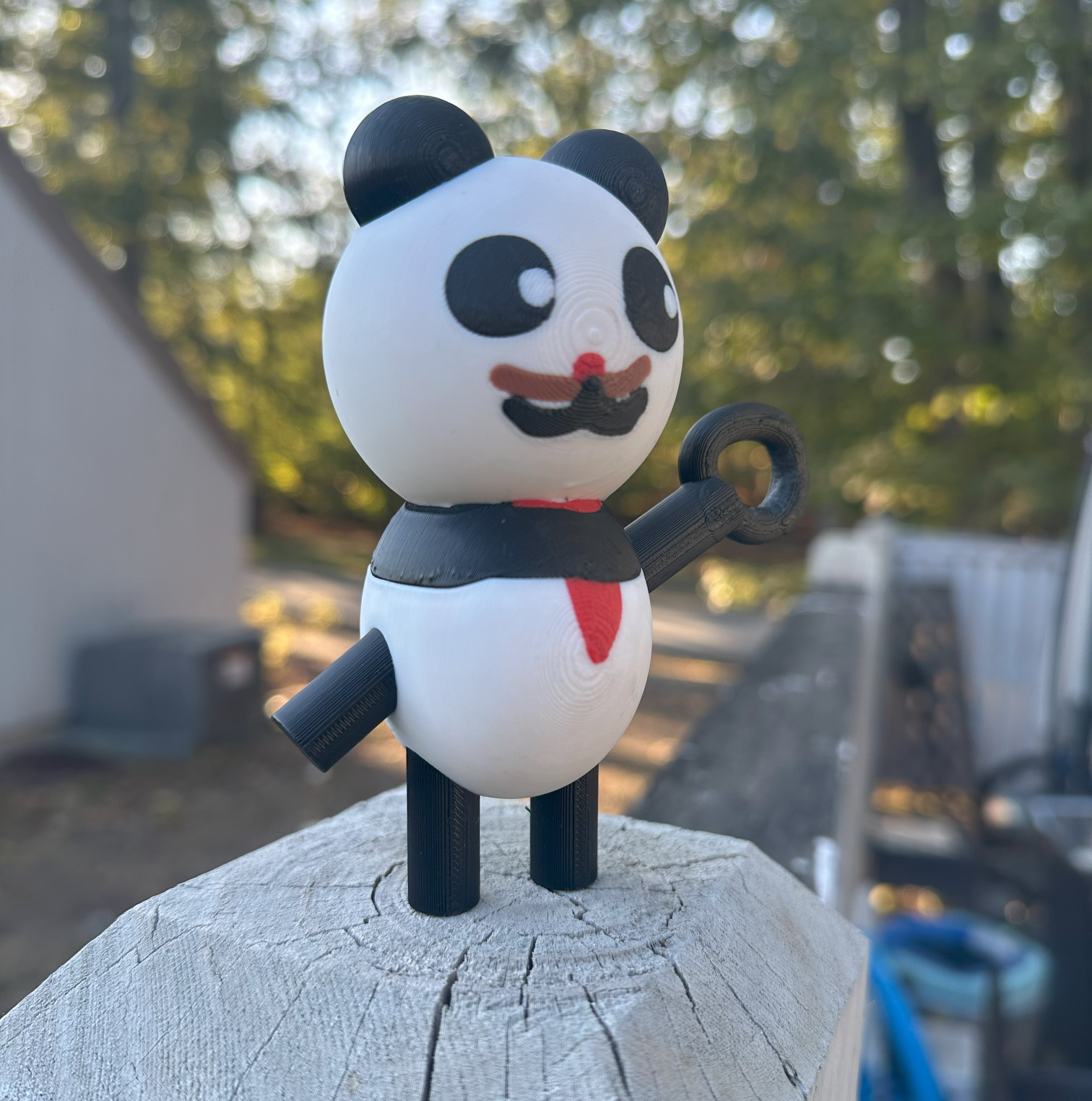
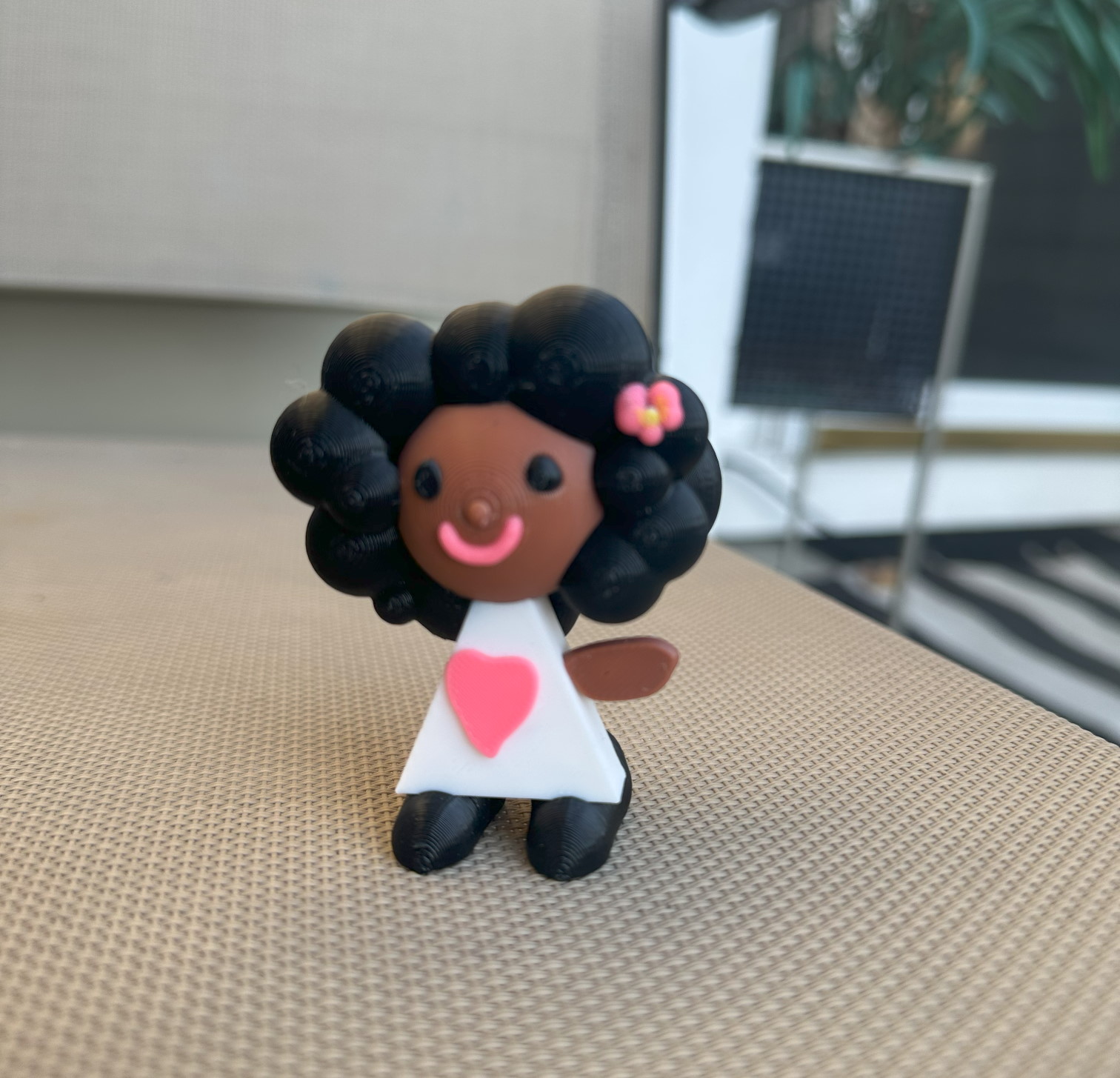
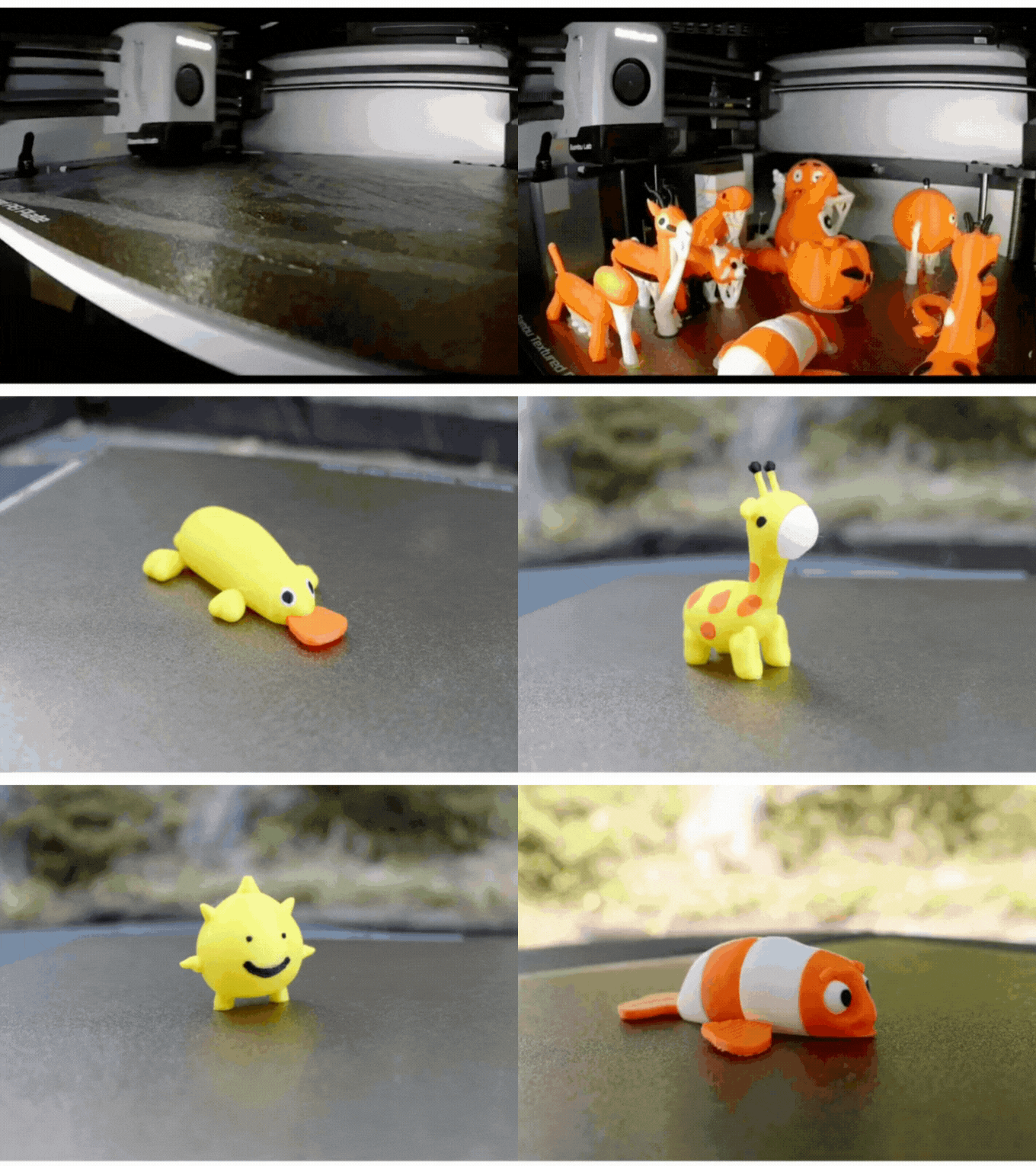
Student Creations
What students made
Real toys designed and printed by kids just like yours.
What They Can Make
Powerful enough for any toy idea.
ToyCAD combines freeform shaping with engineering concepts — so students can make
anything from simple characters to interlocking parts.
Interlocking Parts
Students engineer pieces
that snap and fit together — a hands-on introduction to tolerances and assembly.
Articulated Toys
Movable joints bring
creations to life — students learn how hinges and connections work through play.
Snap-Fit Toys
Students design parts with
snap-fit joints that click together — a hands-on introduction to tolerances and mechanical
connections.
Character Toys
From animals to
superheroes — students design the characters they care about, making engagement immediate
and personal.
Seen in Classrooms
ToyCAD in the wild
Real teachers sharing ToyCAD with their students
— straight from Instagram.
Subscription activated. Create class codes below and share them with your students — they enter
the code in ToyCAD's Profile tab to unlock full access.
Your Subscription
Active
Class Codes
Students enter these codes in the ToyCAD app under
Profile → Class Code.
Create a code for each class or group, then share it with your students. Each student enters the
code once in the ToyCAD app to unlock full access — the total number of activations counts against
your plan's seat limit.
Learn more in the FAQ ↓