Class codes, student projects and billing in one place.
Loading your dashboard…
🏫 Designed for K–12 classrooms
Give Every Student the Power to Design Real Toys
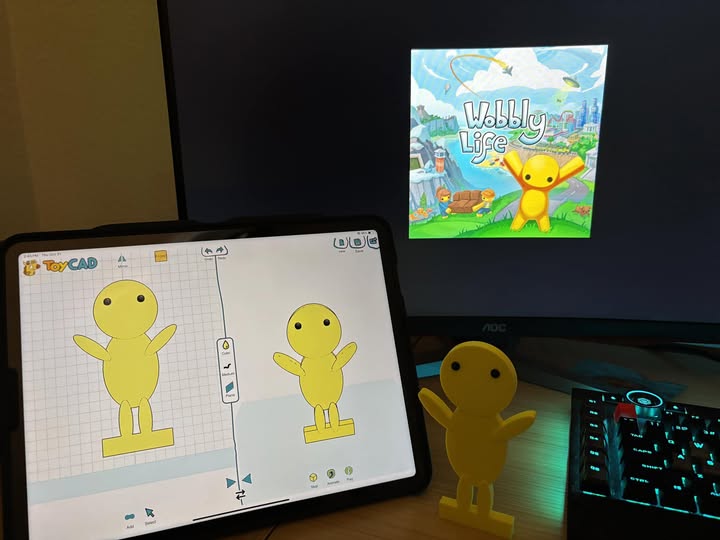
ToyCAD lets students draw any toy and 3D print it — no CAD experience needed. Download the
regular ToyCAD app for free. Students enter your class code to unlock Classroom Mode and submit projects
directly to your teacher dashboard.
Students download ToyCAD free —
enter class codes in the app to unlock access
Trusted by teachers · Instant class codes ·
Works on iPad & Android · No contracts or purchase orders needed
Simple Setup
From checkout to class drawing in minutes.
1
Subscribe Online
Choose a plan that fits your class size. Secure checkout via Stripe. Cancel any time.
2
Create Class Codes
Instantly generate class codes from your dashboard — one per class period or group.
3
Students Enter the Code
Students download the free ToyCAD app on their iPad or Android tablet, choose Classroom Mode, and
enter the class code. It unlocks instantly — no student accounts or emails.
4
Design & Submit
Students draw and shape any toy they can imagine, then tap Submit to send it to
you. Shared iPads are fine: each student types their name when submitting.
5
Download & Print
Open Student Submissions in your dashboard, filter by class, and download every project as one
ZIP — ToyCAD files to edit, 3MF files to print.
Classroom Pricing
The right plan for every classroom.
Subscribe month-to-month or save 2 months by paying annually.
Teacher
Up to 3 students
$9
/month
3 student seats
Unlimited class codes
Full ToyCAD access for all seats
Student project submissions
Teacher dashboard with bulk ZIP downloads
Most Popular
Classroom
Up to 35 students
$29
/month
35 student seats
Unlimited class codes
Full ToyCAD access for all seats
Student project submissions
Teacher dashboard with bulk ZIP downloads
Covers a full class period
School
Unlimited students
$99
/month
Unlimited student seats
Unlimited class codes
Full ToyCAD access school-wide
Student project submissions
Teacher dashboard with bulk ZIP downloads
Covers all classrooms
All plans are a ToyCAD Classroom Subscription for the free ToyCAD app and include the full ToyCAD
experience. Annual plans are billed once per year. Cancel monthly plans any time.
Prefer a one-time purchase for your school's iPads?
Explore ToyCAD: Standalone — a separate paid app
with a permanent license per iPad through Apple School Manager. It does not include class codes, the
teacher dashboard or online student submissions.
Compare the options
Questions
Everything you need to know
After subscribing, you get access to a dashboard where you can create class codes
with custom labels (e.g. "Period 1", "Room 204"). Share a single code with all students in that
group. When students open ToyCAD for the first time, they choose Classroom
Mode and type the code; on a device that's already set up, they tap Activate
Classroom Mode in the Profile. You can create as many codes as you need, but the
total number of students who can activate codes is capped by your plan (3 for Teacher, 35 for
Classroom, unlimited for School).
Classroom Mode is how students use the free ToyCAD app with your subscription.
Once a device has your class code, the home page shows a Classroom Mode badge
with your class name, and students get the full design tools plus a Submit
button to send their projects to you. To keep it simple and safe for kids, Classroom Mode hides
in-app purchases, account sign-in and the Export menu. Students can see their class, switch to
another class or leave it from the Profile.
In the drawing screen, students tap Submit, type their name
(a first name or student number is enough) and a project name, and tap Send to Teacher. ToyCAD
saves the toy on the device first, and only says "Sent to your teacher!" once the project has
actually arrived. If the internet drops, the project waits on the device and can be sent with
Try again, or the next time ToyCAD opens.
Sign in on this page with the account you subscribed with and it becomes your
Teacher Dashboard, with three tabs: Overview & Billing (your plan, renewal
date and the Stripe billing portal), Class Codes (create and deactivate codes,
see how many seats are used) and Student Submissions. In Student Submissions
you can filter by class, search by student or project, download one project or a whole class as
a ZIP file, and delete projects you no longer need.
Each submission comes as a .toyz file, the ToyCAD project you can
open and edit in ToyCAD, and a .3mf file ready to print. The 3MF is a Bambu
Studio project with print settings for a Bambu Lab P1S and up to four colors; other slicers
such as OrcaSlicer, PrusaSlicer and Cura can open its model too. A class ZIP includes a
submissions.csv list of every student and file, handy when printing a whole
class.
Yes. A class code unlocks the device, so one seat covers everyone who uses that
iPad. Each student types their own name when submitting; the name is shown with a "Not you?"
button so the next student doesn't send under the previous name, and New
student in the Profile clears it. When an iPad moves to another class period,
Switch class in the Profile moves it to the new code without using an extra
seat on your plan.
Very little. Students don't create accounts and never enter an email address or
birthday. A submission holds the name the student types, the project title and files, the class
code and the time it was sent. Only the teacher who owns the class code can see it. Submissions
are deleted automatically after 12 months, and you can delete them at any time. See our Privacy Policy.
ToyCAD runs on iPad (iOS) and Android tablets. Students download the regular,
free ToyCAD app; there's no separate school app. Each seat is activated per device.
Each plan has a total seat limit: 3 seats for Teacher, 35 for Classroom, and
unlimited for School. Once the limit is reached, additional students will see an error when
entering a class code. To free seats, deactivate class codes you no longer use in your
dashboard, have students tap Leave class in the Profile of a device that no
longer needs ToyCAD, or upgrade to a larger plan.
Monthly plans can be cancelled any time from your Stripe billing portal. Annual
plans can be cancelled to stop renewal; access continues until the end of the paid period.
No. You can subscribe instantly with any credit or debit card. No purchase
orders, contracts, or IT setup required. The subscription is billed to the card on file via
Stripe.
Teacher ($9/mo) covers up to 3 students — great for a small group or pilot.
Classroom ($29/mo) covers up to 35 students, enough for a full class period. School ($99/mo)
gives unlimited seats school-wide. All plans include the same full ToyCAD experience, Classroom
Mode with student submissions, and the Teacher Dashboard.
Yes. Student designs are saved locally on their device in ToyCAD. If a class code
subscription expires, students are returned to free-tier access but all designs already saved on
their device remain intact and they can download them. Projects they already submitted stay in
your Teacher Dashboard for 12 months, even after a class code is deactivated or the
subscription ends.
We're happy to help! Reach out to us at [email protected] and we'll get back to you
as soon as possible.
Ready to bring 3D design to your classroom?
Start in minutes. No contracts, no IT setup. Cancel any time.
Real Results
What parents & educators say
★★★★★
"I have a 4 year old and she loves to draw in this app with
me. Watching her face glow with excitement when a random set of squiggles can become a 3D print
she can hold is amazing for us both. ToyCAD is worth 5 stars to me."
— Drivenapollo
★★★★★
"My girls 8 and 6 love it and we printed a couple items they
made. I was amazed to see how fast they picked it up — especially my 6 yr old!"
— Aaron W.
★★★★★
"My son loves it. He's 6 and it's amazing to see the joy in
his eyes when I hand him something he designed himself. He is currently working on a Mother's
Day gift."
— Michael J.
★★★★★
"Thank you so much! My daughter and I absolutely ADORE the
app you've created. It's brilliant! So intuitive and easy to dive into!"
— Kate O.
★★★★★
"My 5yo loves it and did that all on her own. In fact
wouldn't let me help her! Watching her face glow with excitement when squiggles become a 3D
print is amazing."
— Matt W.
★★★★★
"We had a lot of fun designing and printing the first toys for our 5 and 6
year olds yesterday! Really impressed overall with the program!"
— Ryan W.
★★★★★
"My kid loves this! I figured I'd give it a shot, and I'm
happy with the results. Between the tutorials, library models, and many options while creating —
this software is awesome!"
— Jason P.
★★★★★
"My daughter just started using it and is loving knowing that we can create
whatever she is drawing on our printer!"
— Amanda P.
★★★★★
"My kids absolutely love the app. I appreciate it! Keep up
the good work!"
— Brandon F.
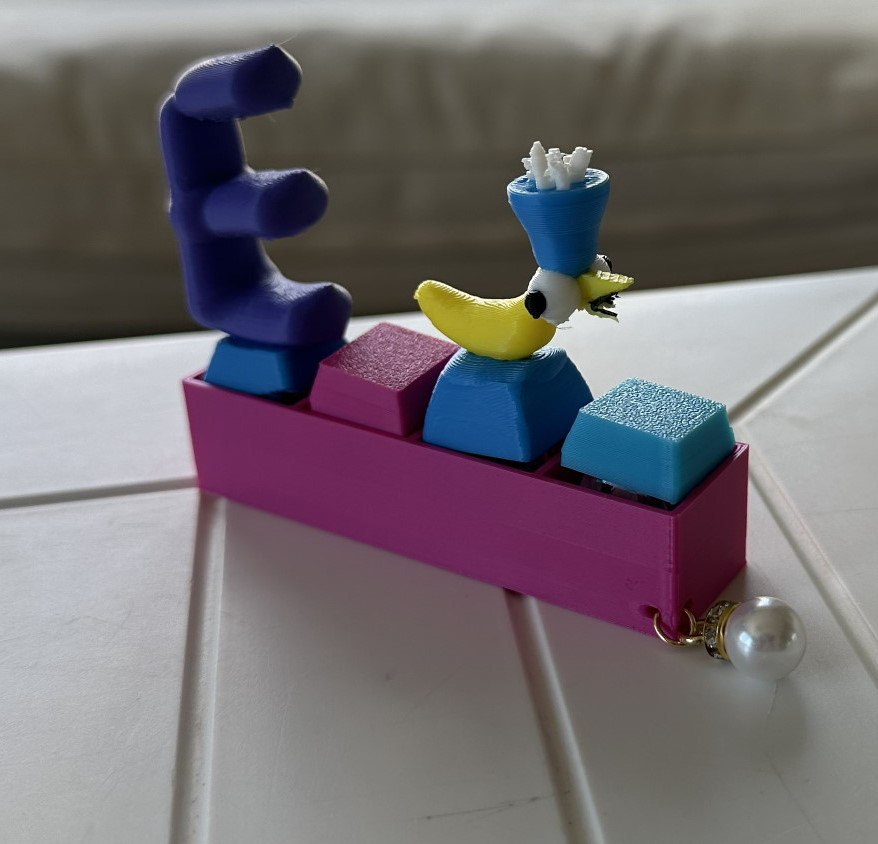
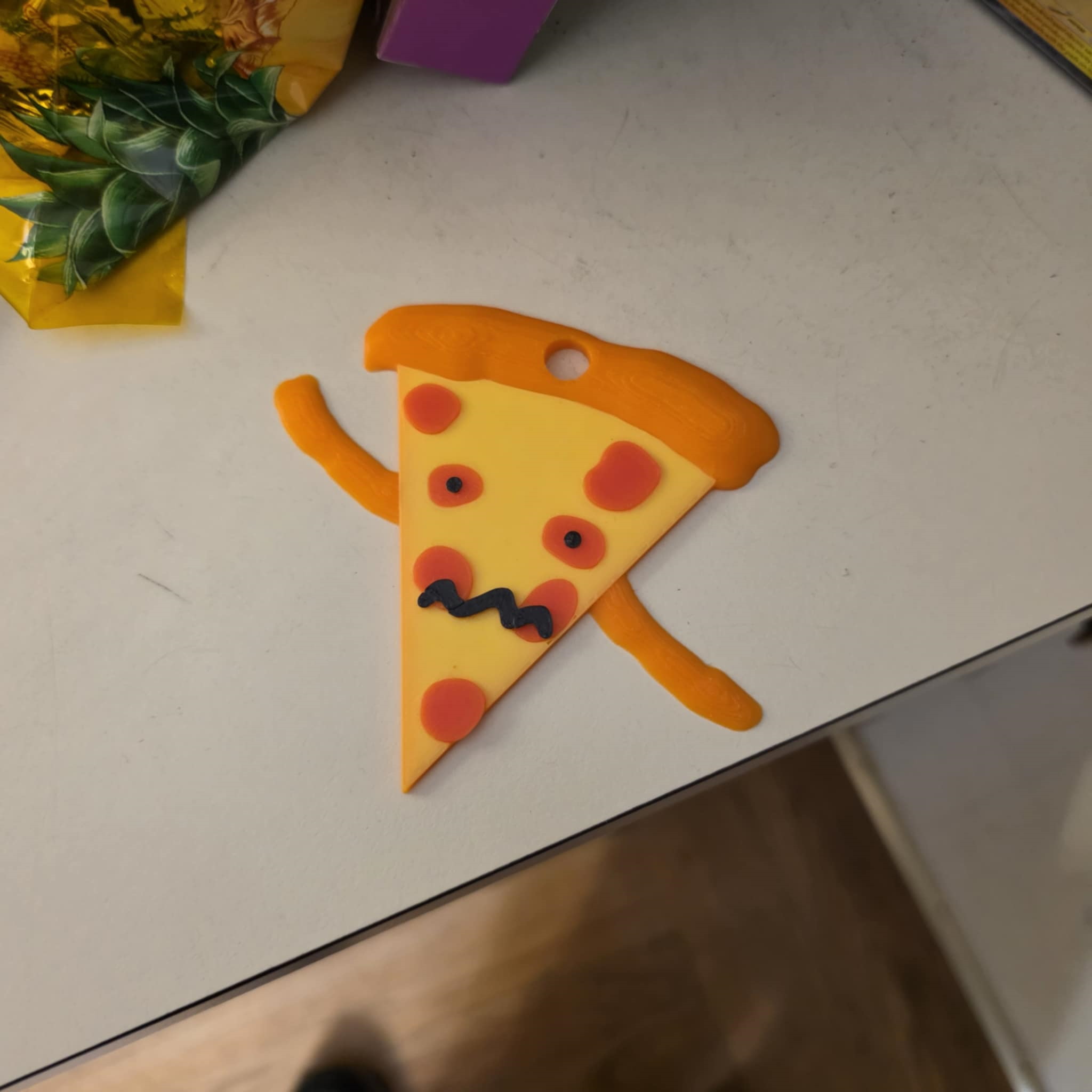
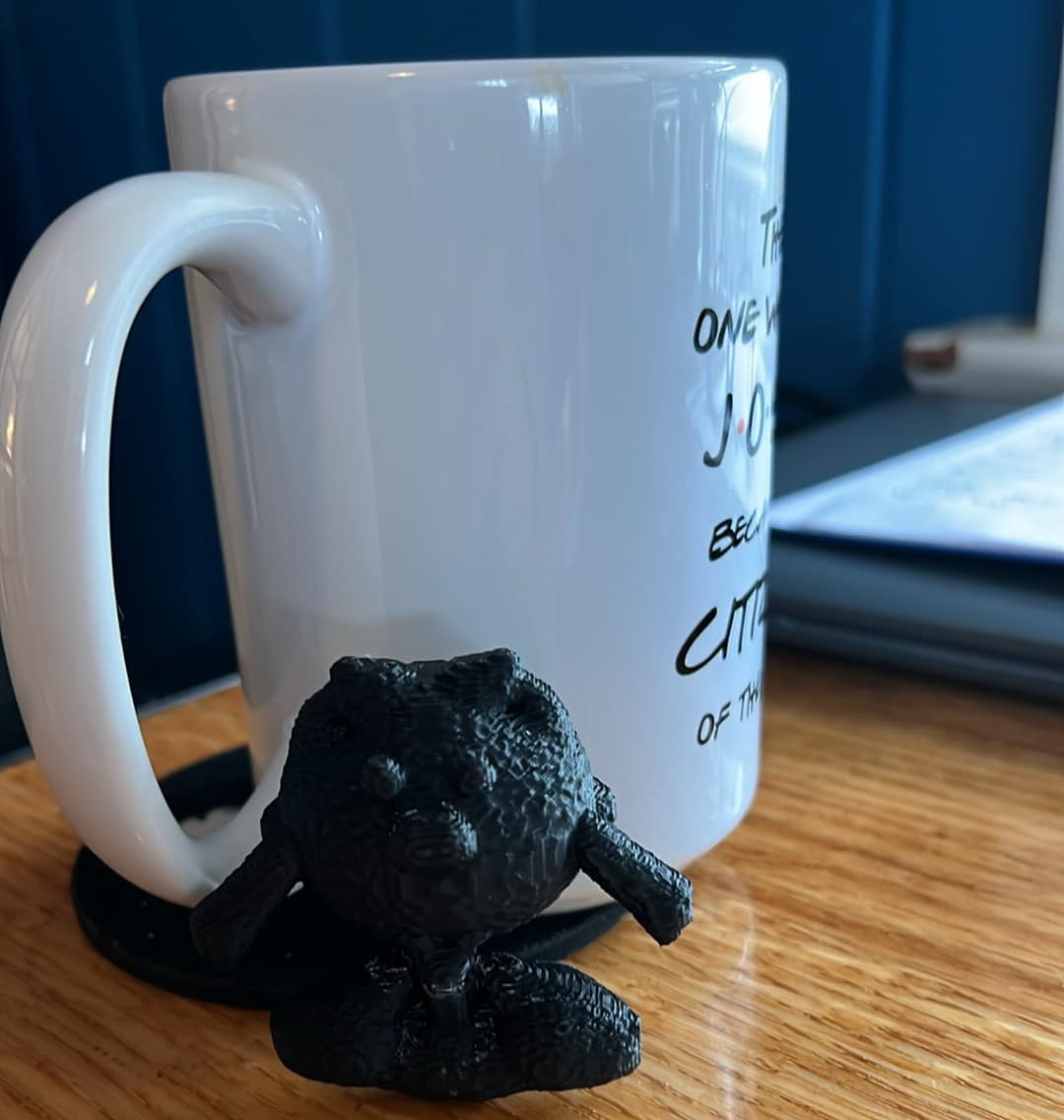
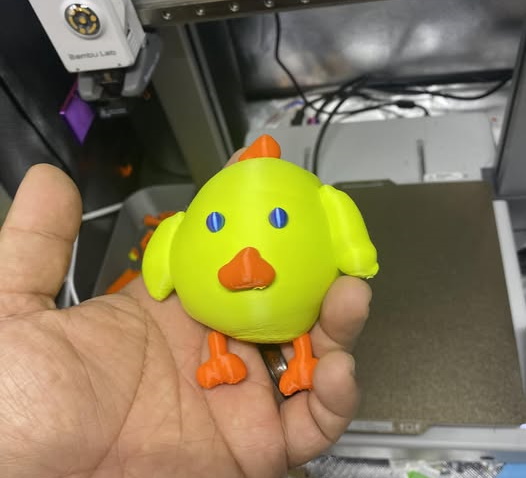
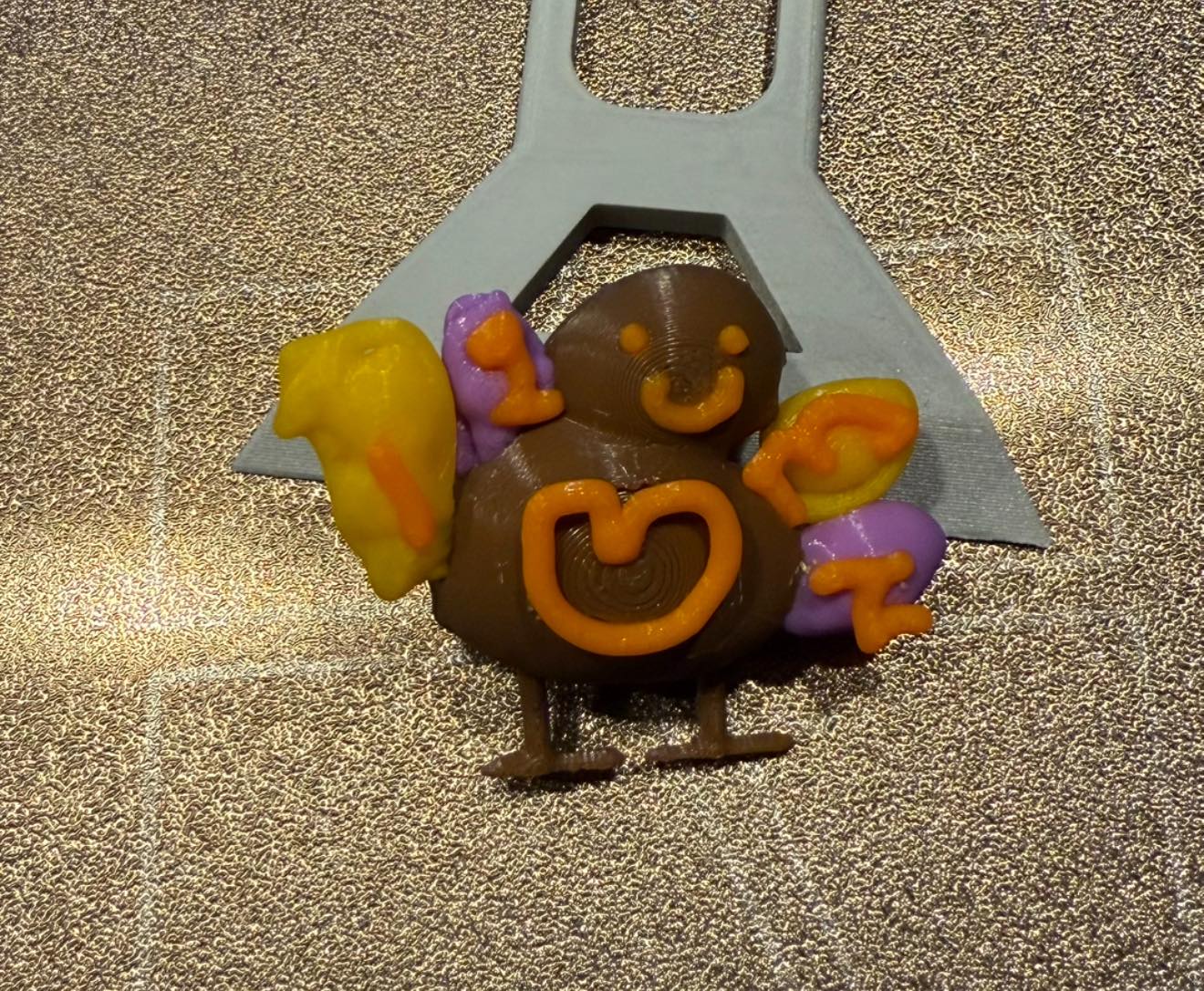
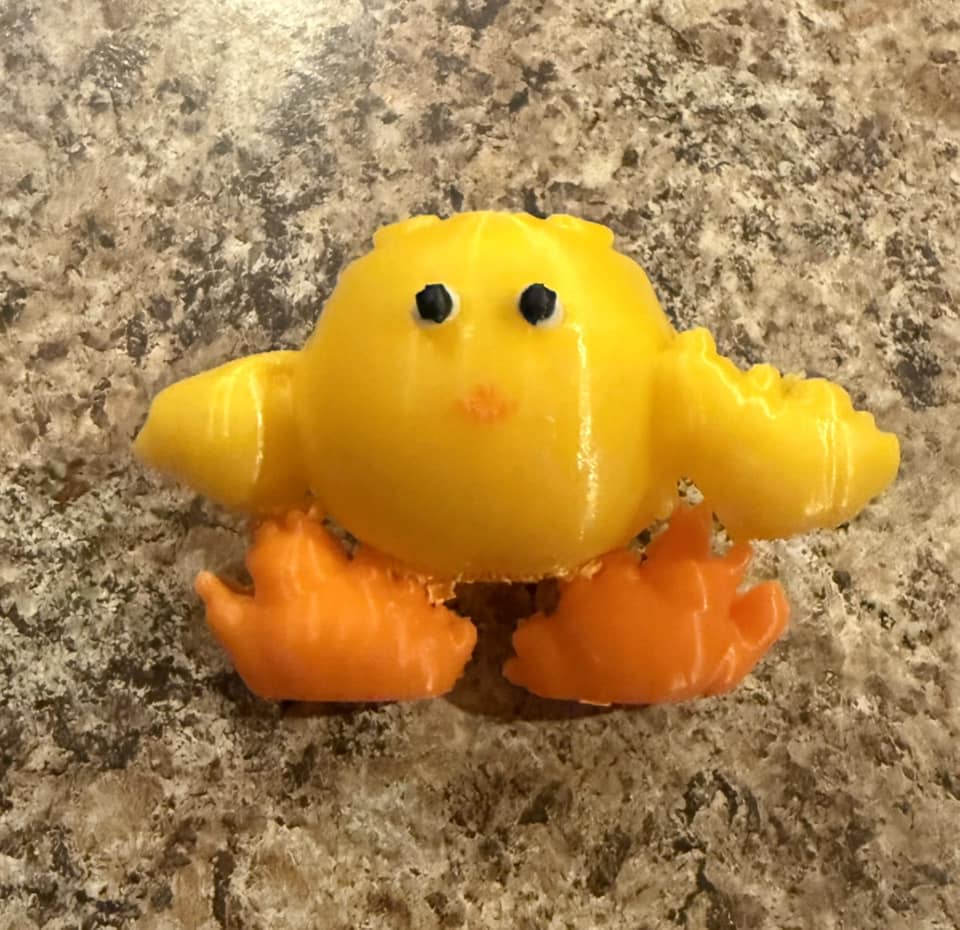
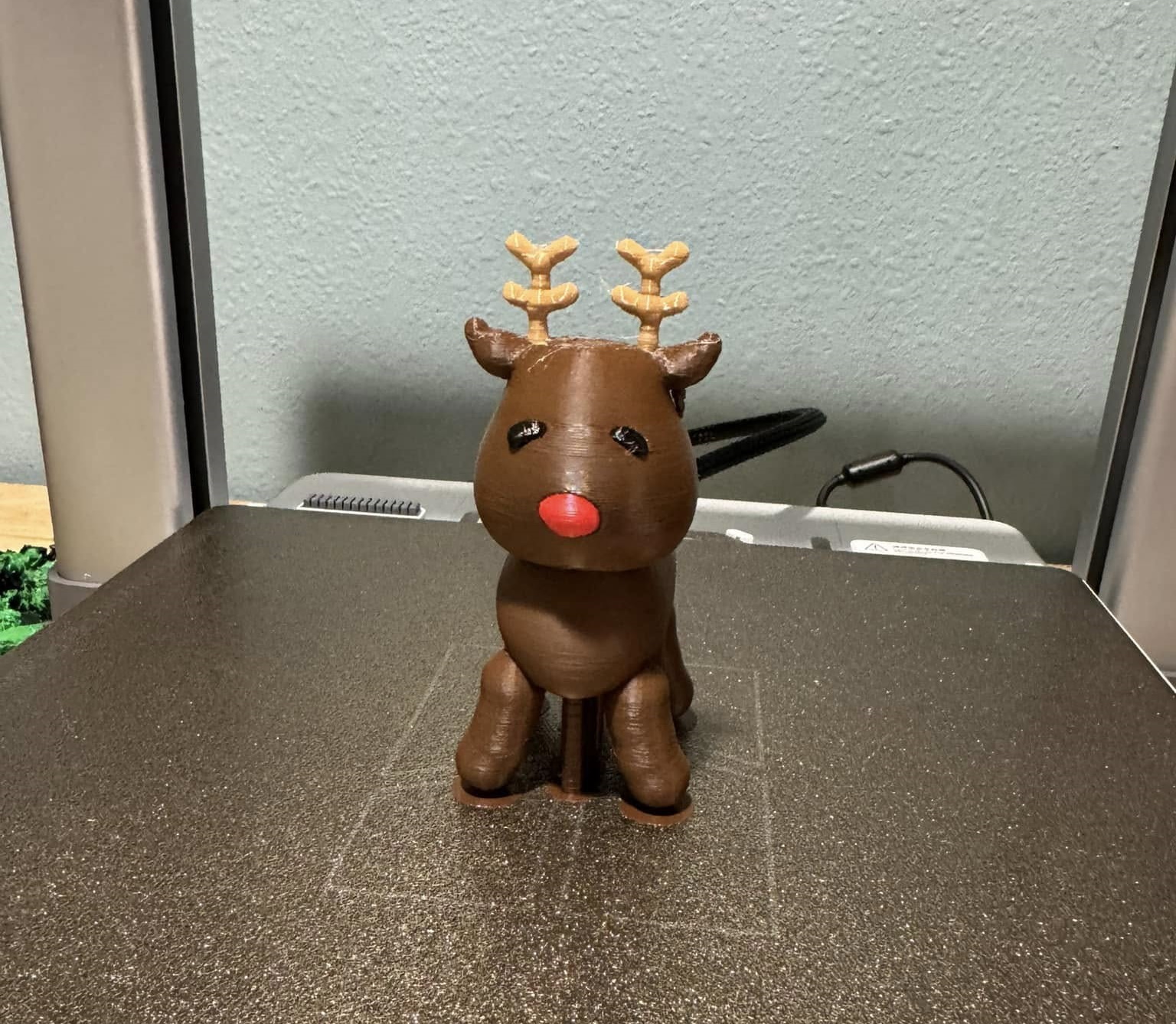
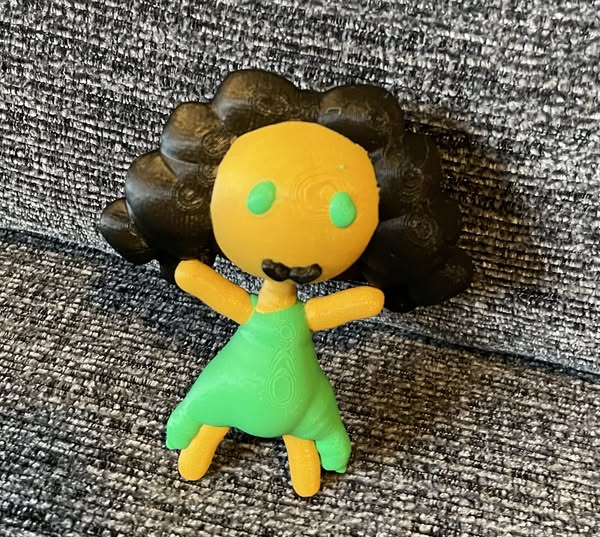
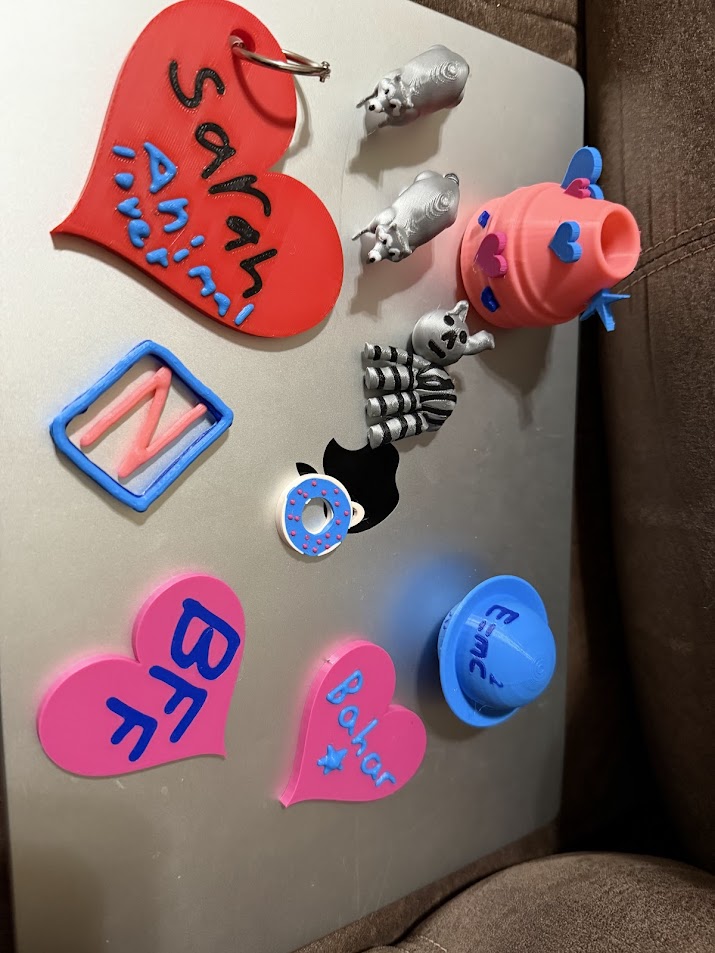
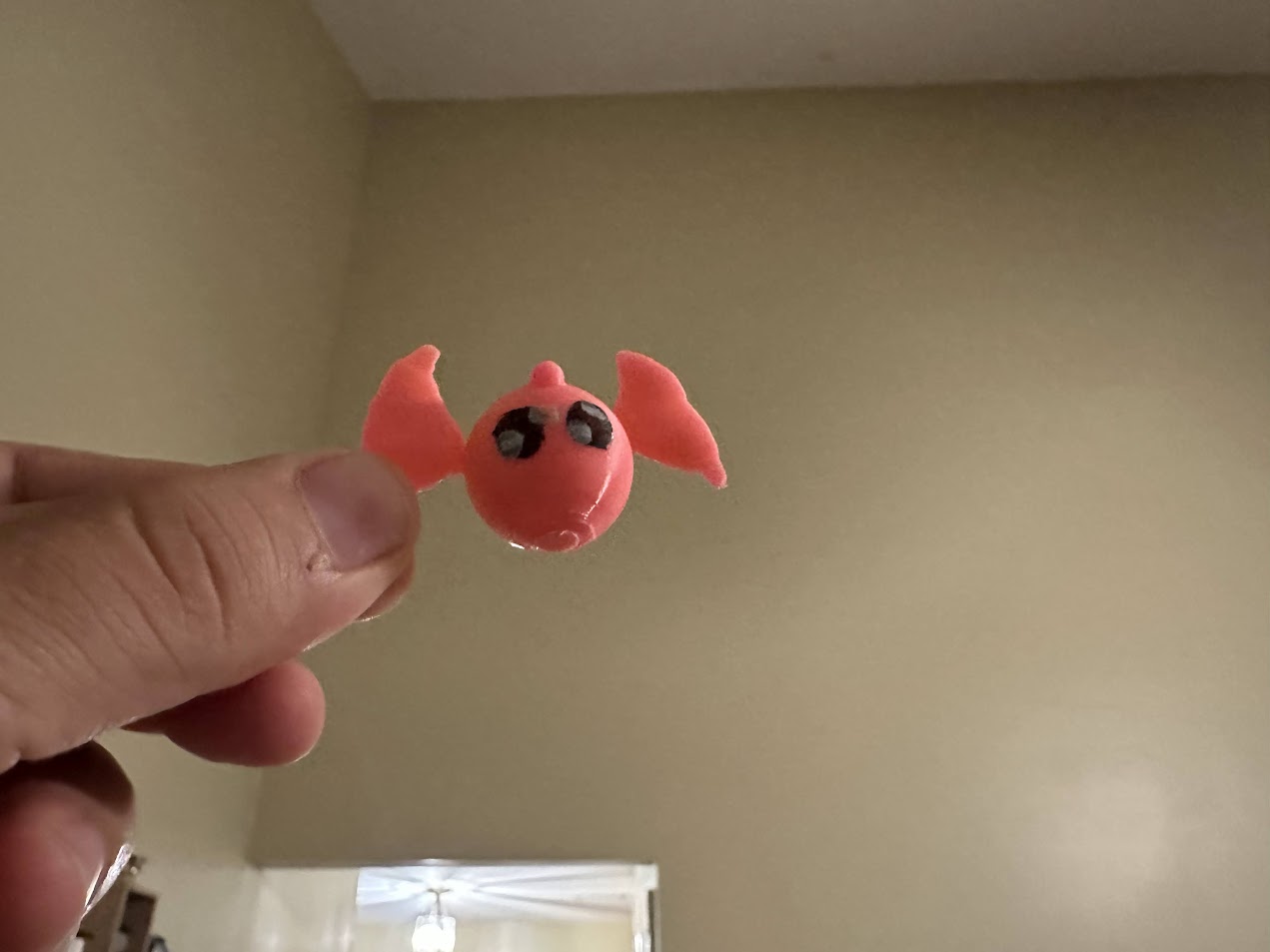
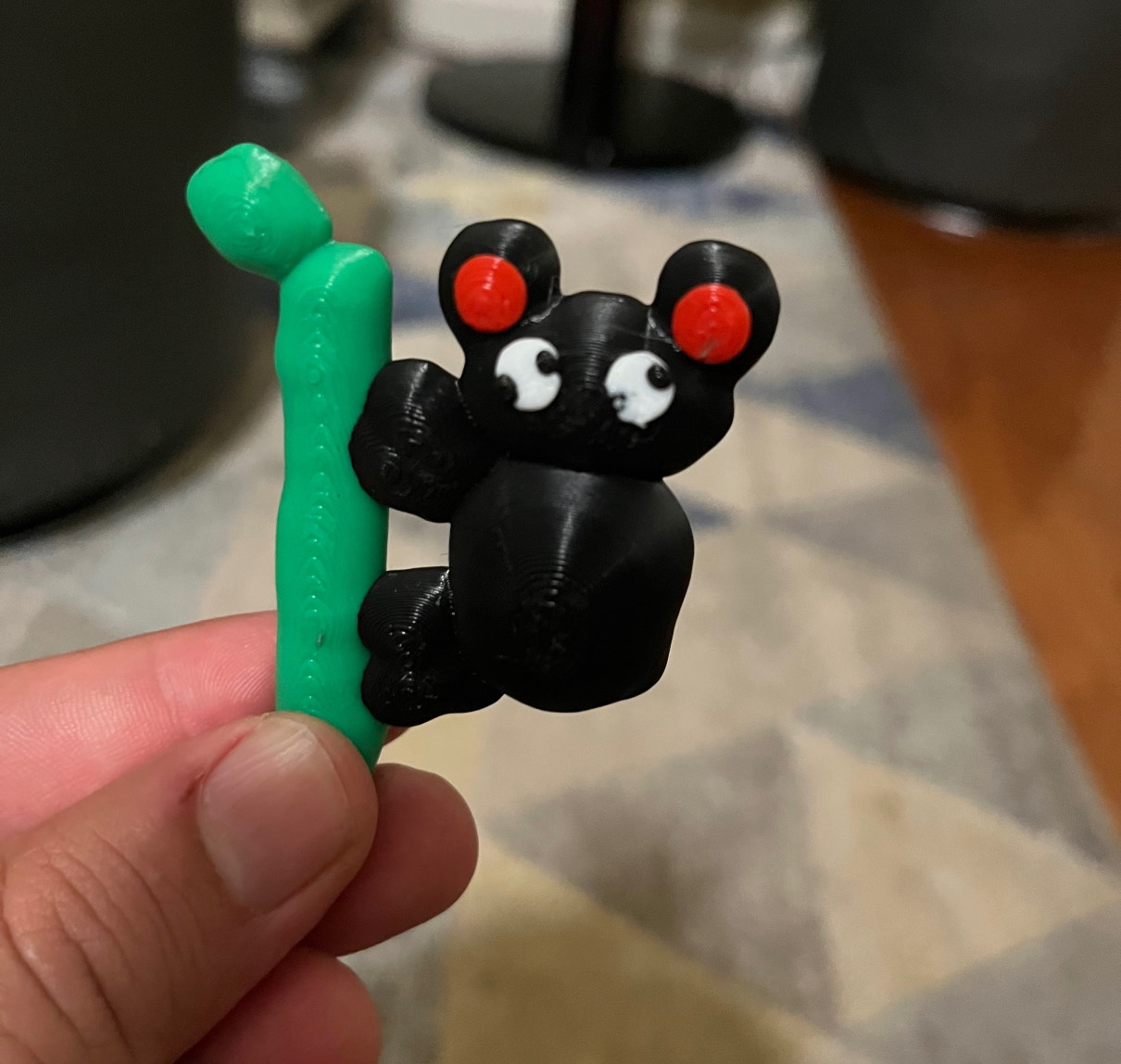
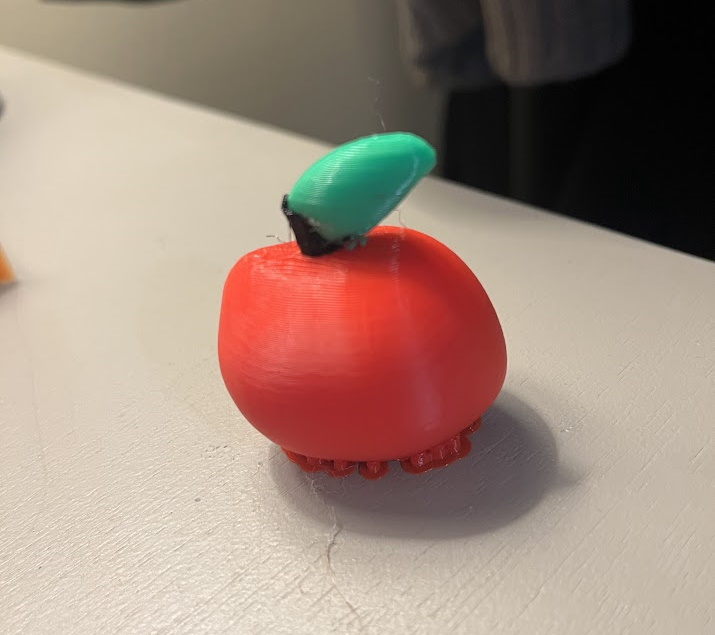
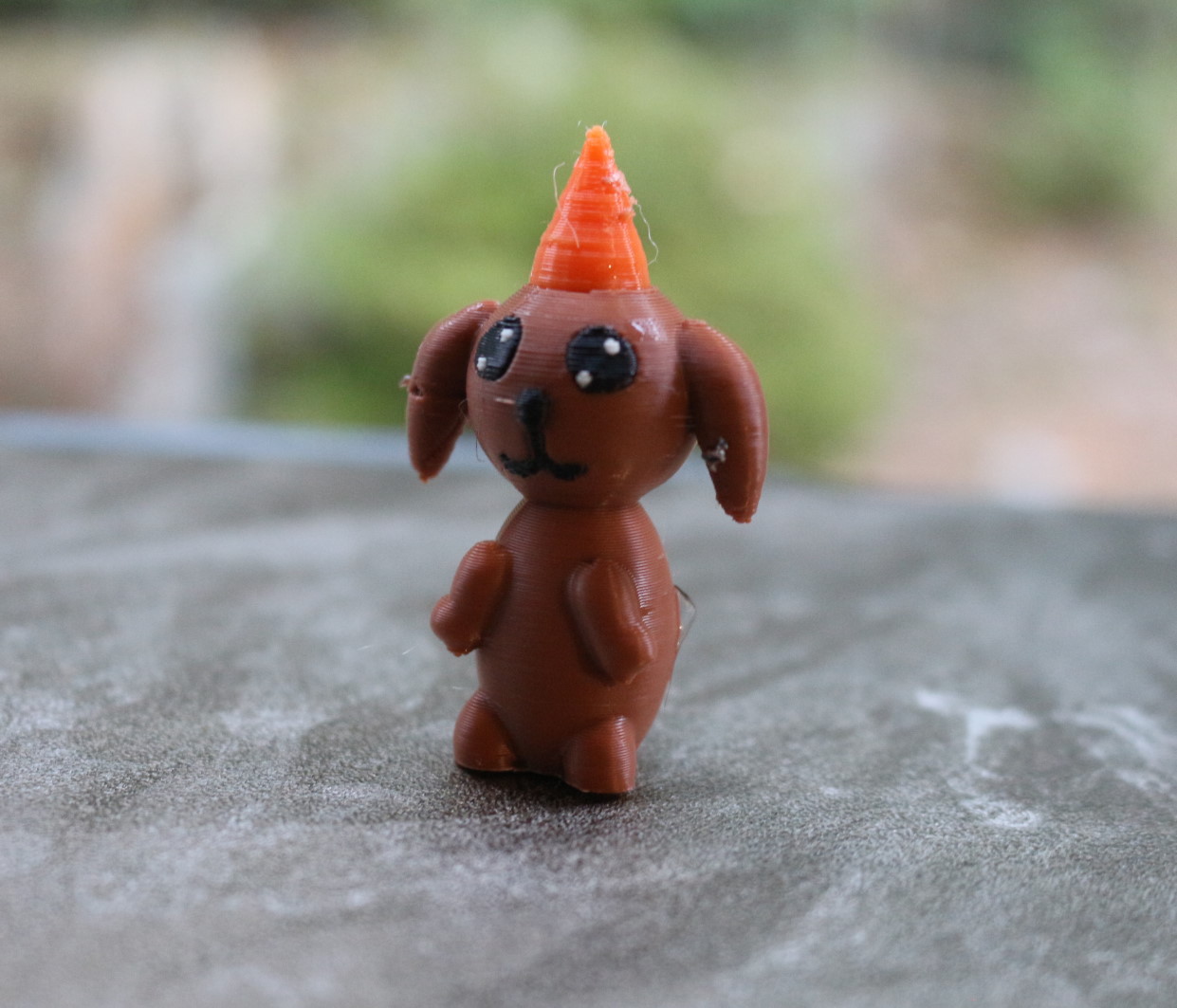
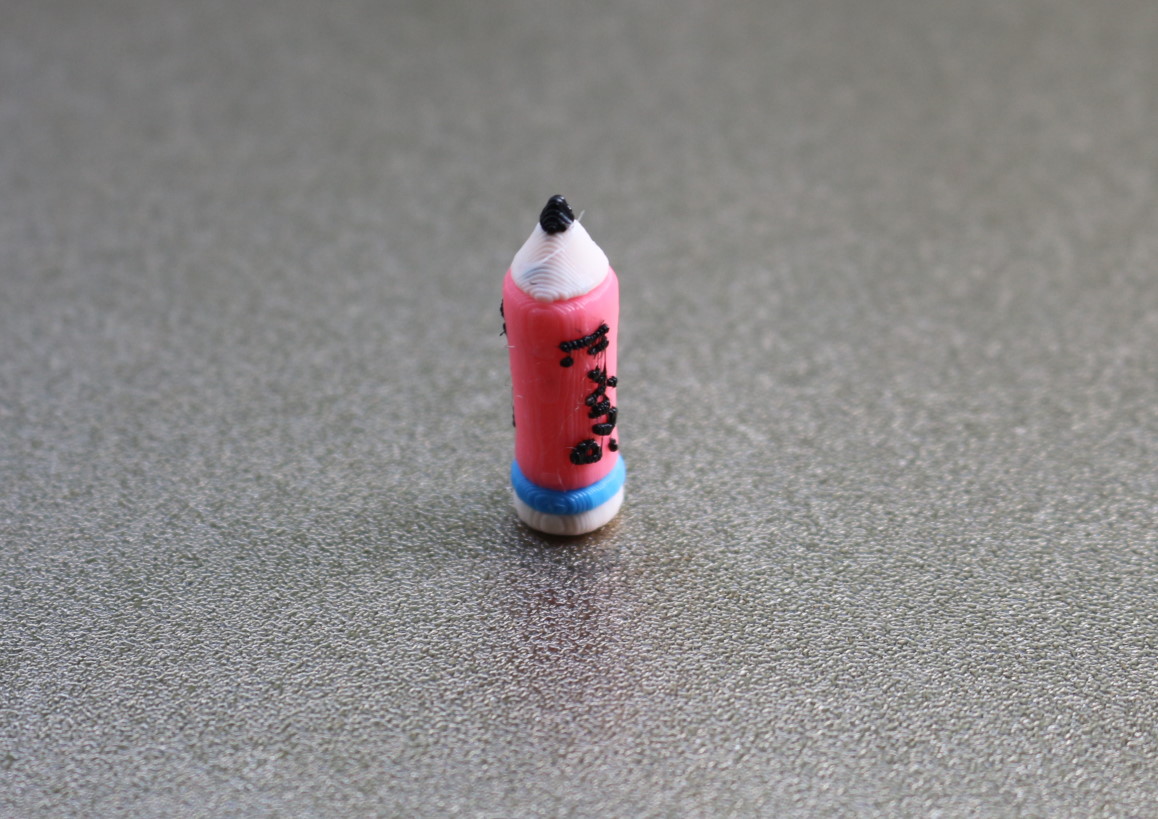
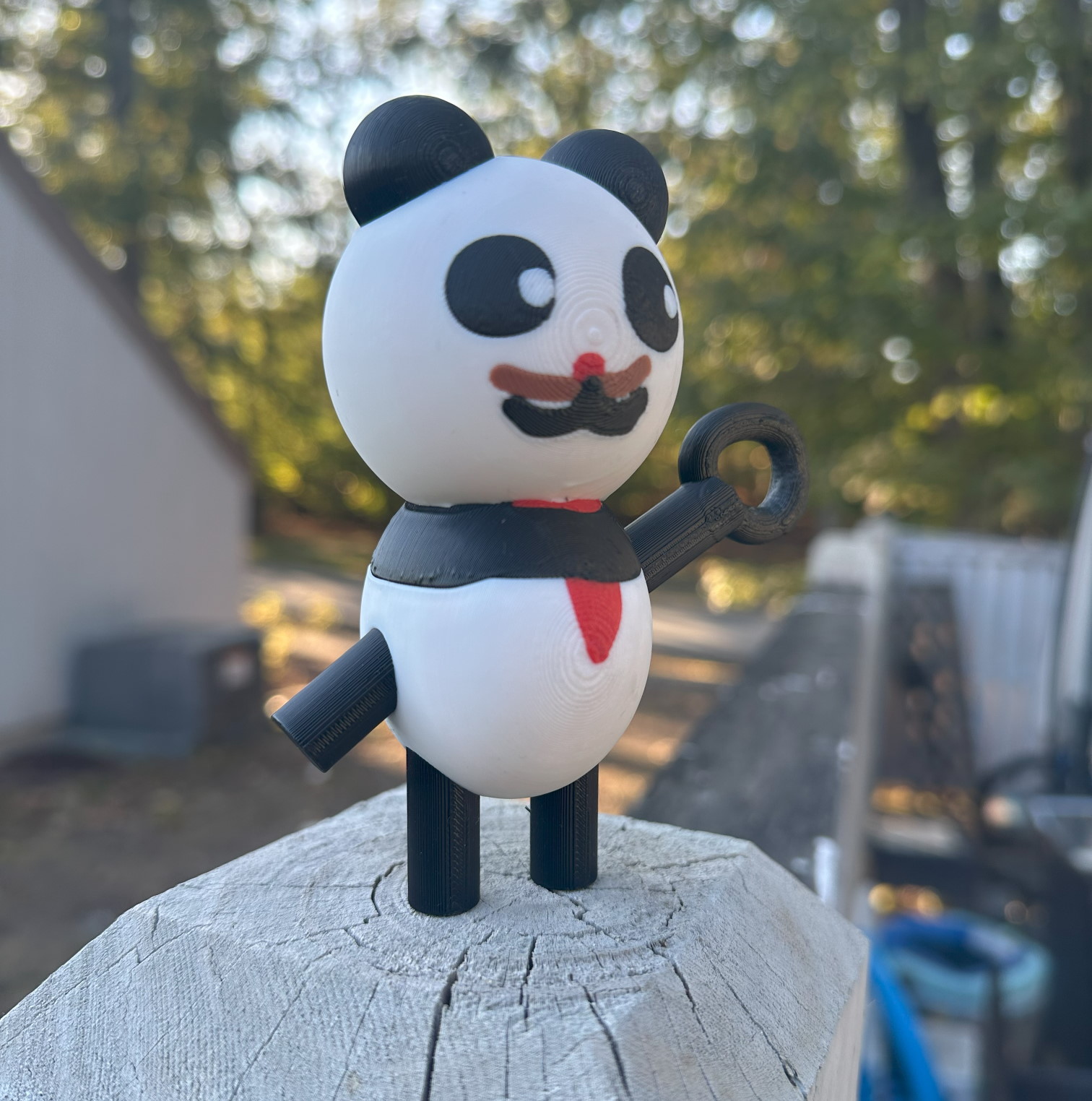
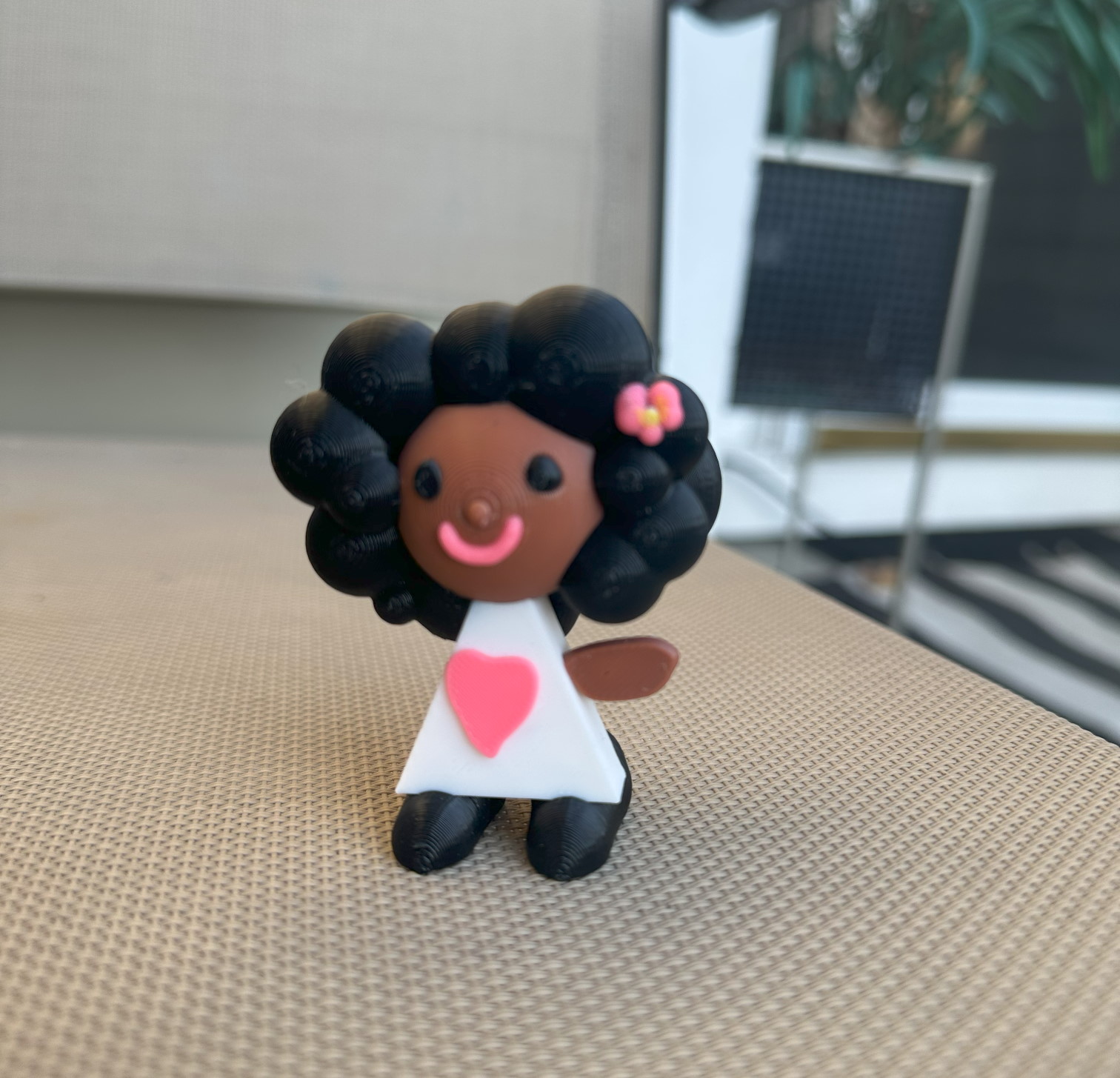
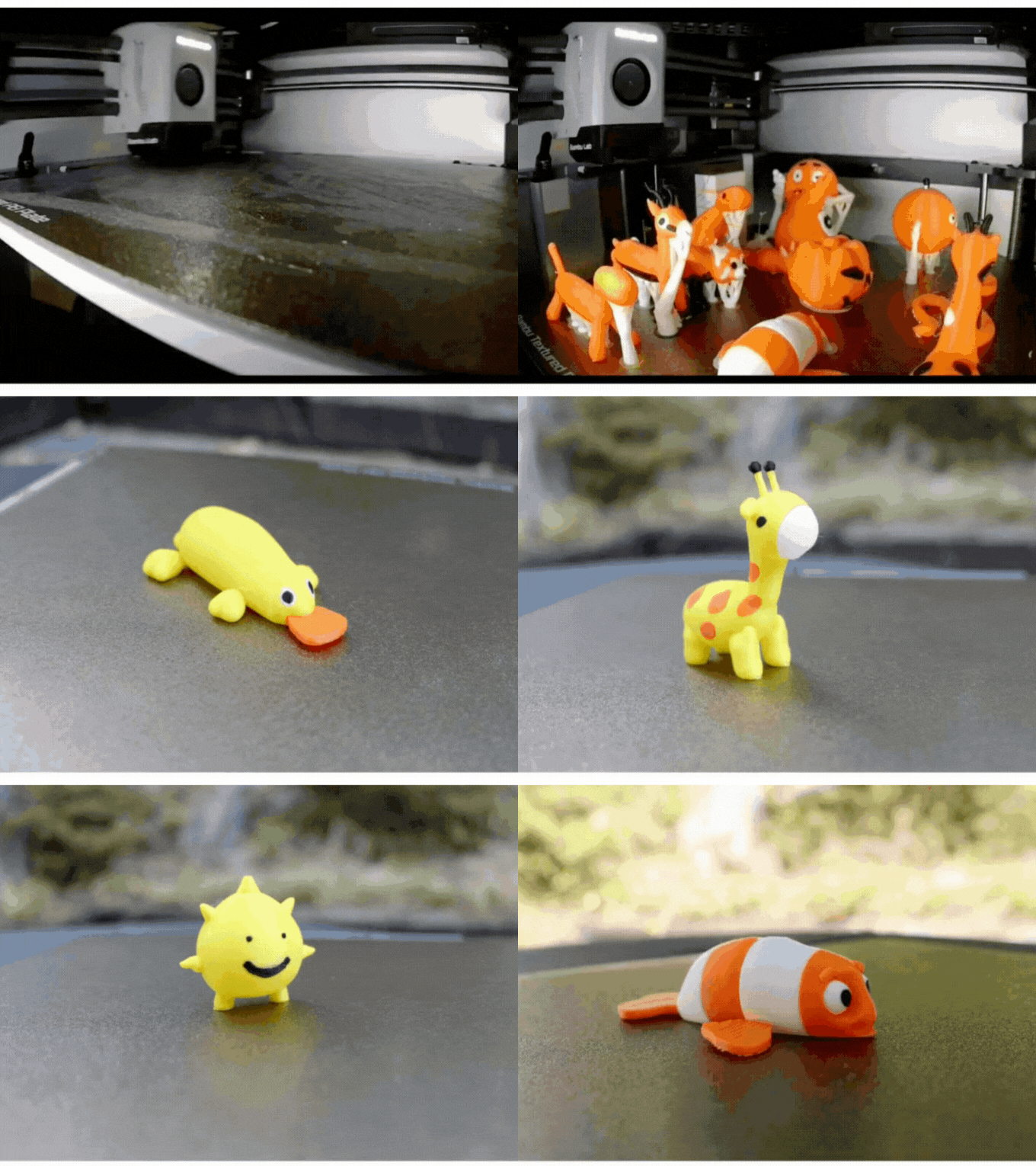
Student Creations
What students made
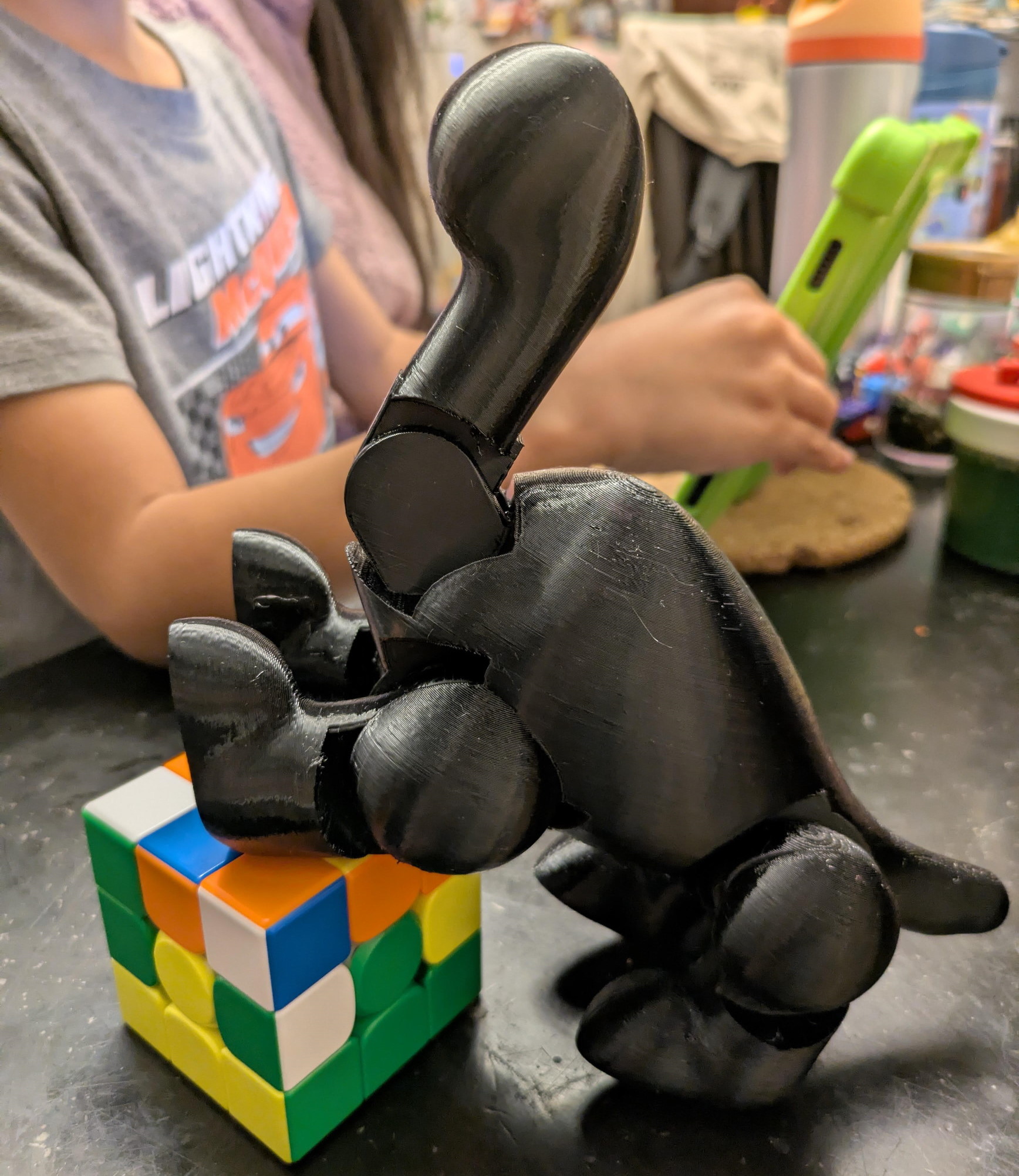
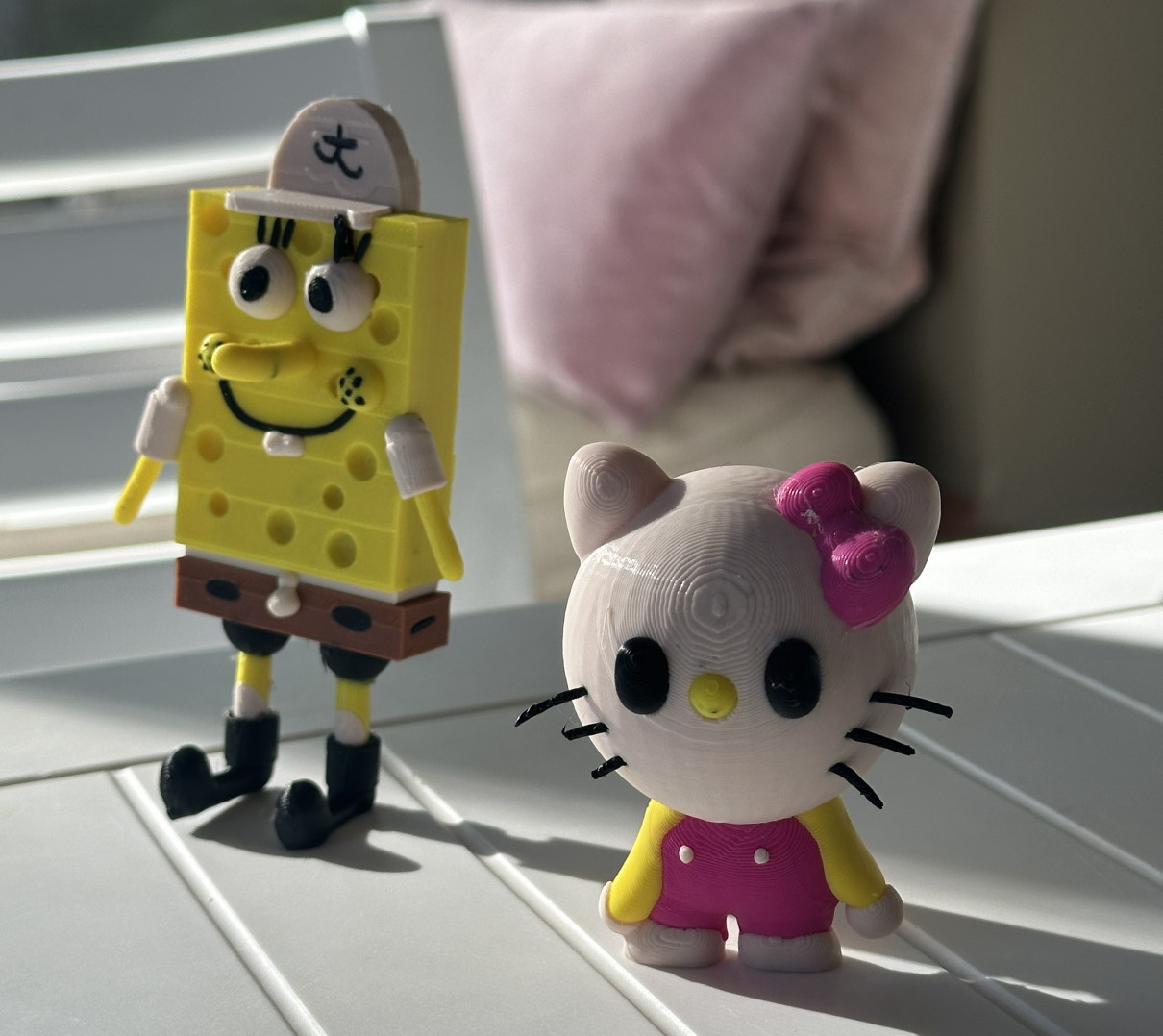
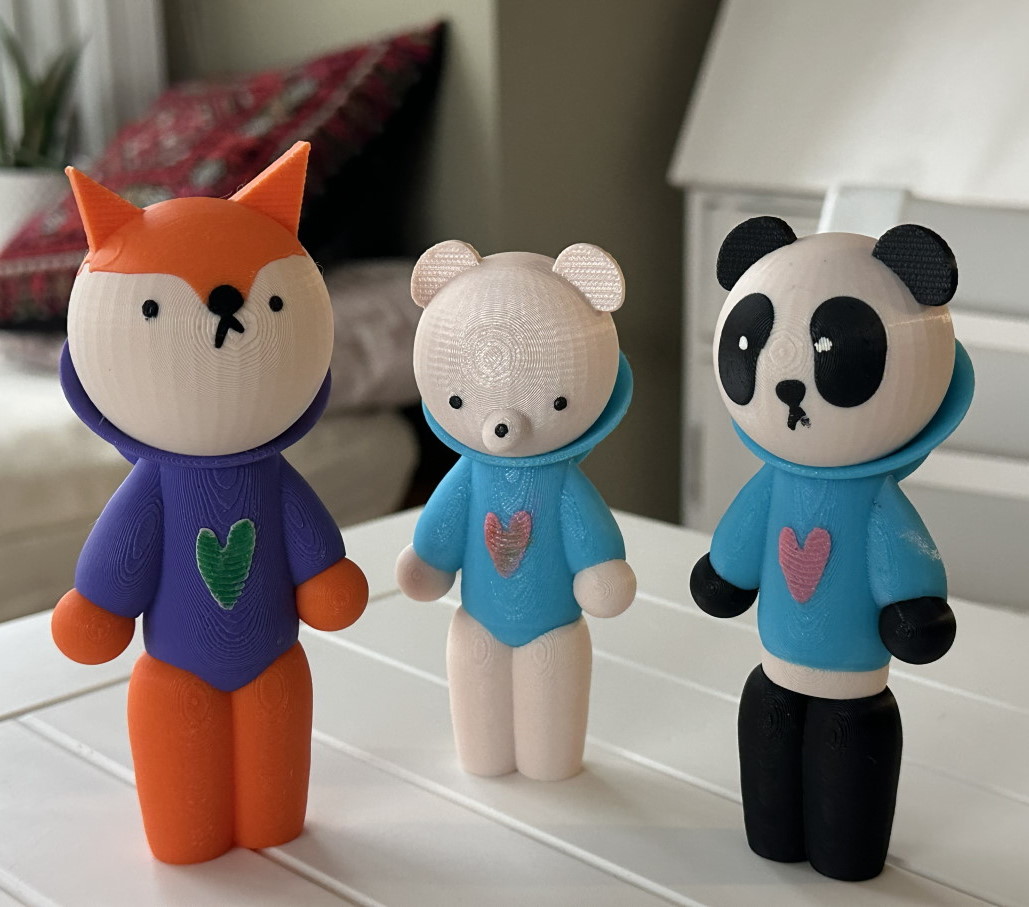
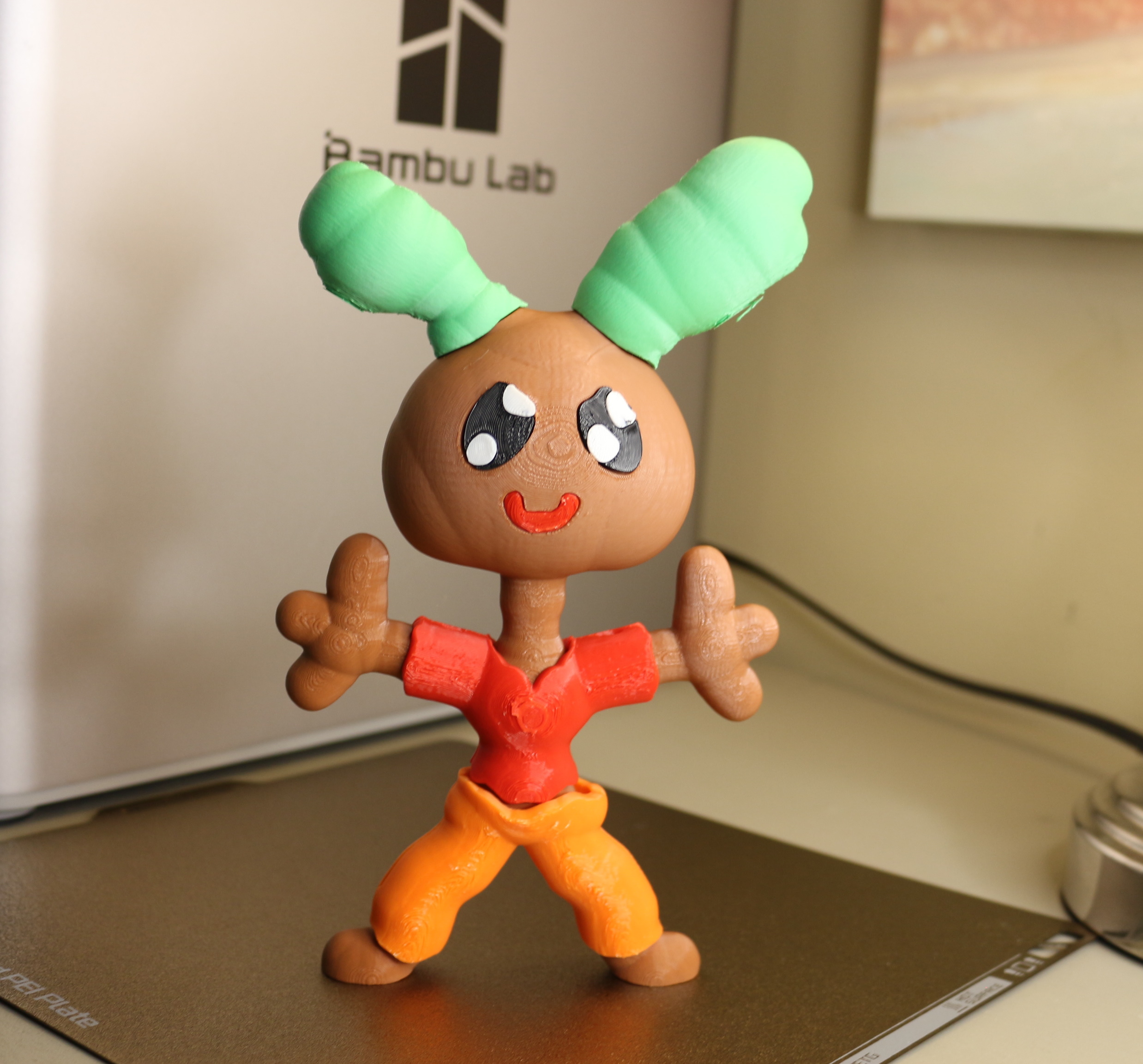
Real toys designed and printed by kids just like yours.
What They Can Make
Powerful enough for any toy idea.
ToyCAD combines freeform shaping with engineering concepts — so students can make
anything from simple characters to interlocking parts.
Interlocking Parts
Students engineer pieces
that snap and fit together — a hands-on introduction to tolerances and assembly.
Articulated Toys
Movable joints bring
creations to life — students learn how hinges and connections work through play.
Snap-Fit Toys
Students design parts with
snap-fit joints that click together — a hands-on introduction to tolerances and mechanical
connections.
Character Toys
From animals to
superheroes — students design the characters they care about, making engagement immediate
and personal.
Seen in Classrooms
ToyCAD in the wild
Real teachers sharing ToyCAD with their students
— straight from Instagram.
Subscription activated. Create class codes and share them with your students — they choose
Classroom Mode in the free ToyCAD app and enter the code to unlock it.
Your Subscription
Active
Change plan
Pick the plan you want. The switch happens right away: you pay the
difference now, with credit for the unused part of your current plan.
Students use the free ToyCAD app. Your class code unlocks Classroom Mode, and students send
their designs to this dashboard with Submit.
Students enter these codes in the ToyCAD app:
Classroom Mode when it first opens, or Profile → Activate Classroom Mode.
Create a code for each class or group, then share it with your students. Each student enters the
code once in the ToyCAD app to unlock full access — the total number of activations counts against
your plan's seat limit.
Learn more in the FAQ ↓
Your Codes
No codes yet. Create your first code above.
Student Submissions
Projects your students sent with
Submit in the ToyCAD app. Download the .toyz project to open
and edit it in ToyCAD, or the .3mf to 3D print it.
Searching the projects loaded so
far. Tap Load more to search older projects too.
Projects are kept for 12 months, then deleted
automatically. Students keep their own copies on their devices.